Create automotive ads with AI
From model launch to local offer without disclaimers and inventory slowing the campaign.
Automotive creatives, straight from the editor
5 ads on this page
Brief it once. Build every format.
5 steps
Start with your brand and brief, then move through review to the finished sizes your campaign needs.
Step 1: Brand
Dealer or manufacturer colors, logo, vehicle style, and tone set the direction
Step 2: Brief
Record model, trim, audience, offer, location, and CTA before design
Step 3: Refine
Select vehicle references, local context, placements, and concept count
Step 4: Proof
HawtAds flags offer copy, model identity, visual focus, and required review notes
Step 5: Generate
Local and national variations render as a coordinated campaign family
How to create automotive ads with AI
Forty dealers want the same campaign with their own name, their own address, and the trim actually sitting on their lot. HawtAds generates automotive creative from the model or service, the approved offer, and exact vehicle imagery, then holds every size your media plan needs. Your team confirms qualifications and disclosures before the set runs.
One category, several completely different jobs
A model launch sells identity, a dealer promotion sells a timely visit, a service reminder sells trust. Treating all three like a glossy poster wastes the context.
Inventory and offers expire faster than approvals. The workflow has to separate stable brand direction from details that change.
- Exact product fidelity A wrong grille, badge, wheel, or body line can turn polished creative into inaccurate advertising.
- Offer turnover Rates, inventory, incentives, and dates change faster than a traditional production queue.
- Local complexity Dealer names, locations, and available models create many versions of the same campaign.
- Small-format disclosures Commercial details have to remain useful even when the ad is only a few hundred pixels wide.
Match the message to the showroom moment
The best starting point is the decision the audience is making, not the asset the team happens to have.
| Campaign | Primary message | Useful visual proof |
|---|---|---|
| Model launch | Why this vehicle belongs in the consideration set | Approved hero image or defining feature |
| Local inventory | What is available nearby and why to act now | Real stock or representative approved model |
| Service | Convenience, expertise, or seasonal need | Technician, service bay, or specific maintenance cue |
| Trade-in | A simple path from current vehicle to next one | Clear exchange story and direct CTA |
This hierarchy keeps a local price from being buried under lifestyle copy and stops a brand launch from reading like a classified listing.
Generate around approved facts
Lock the model name, offer text, dates, dealer identity, and CTA in the brief. Let variations explore environment, crop, lighting, and headline emphasis around those fixed points.
Before export, check the vehicle against the reference, the badges against reality, and the legal copy for coverage and compression. The facts that affect a purchase stay the advertiser’s.
Automotive ad questions
5 questions
Give HawtAds your brand, the vehicle or service being promoted, a current offer, the audience, and the campaign location. Add approved vehicle photography as a reference when exact model fidelity matters. Generate several routes, check every commercial detail, then adapt the selected concept for your placements.
Yes. The difference belongs in the brief. A national model campaign may lead with design, capability, or a new feature. A local dealer campaign usually needs inventory context, a specific offer, location, and direct response CTA. Separate briefs keep the message hierarchy appropriate for each buying moment.
Provide only current, approved offer language and make room for every required qualification. Do not ask a generator to invent rates, monthly payments, eligibility, or availability. Review the final creative at its real display size so important terms remain readable, then send it through your normal legal or dealer approval process.
Use approved product photography when exact wheels, badging, body details, and trim must be accurate. AI can help build the surrounding campaign and visual direction, but it should not be trusted to reconstruct a regulated product configuration from memory. Inspect every visible vehicle detail before publication.
Teams can create model launches, local inventory promotions, seasonal sales events, service reminders, parts campaigns, trade-in messages, and retargeting creative. Each campaign can begin from the same brand foundation while using a brief that reflects its own audience, offer, location, and next step.
Related industries
All industries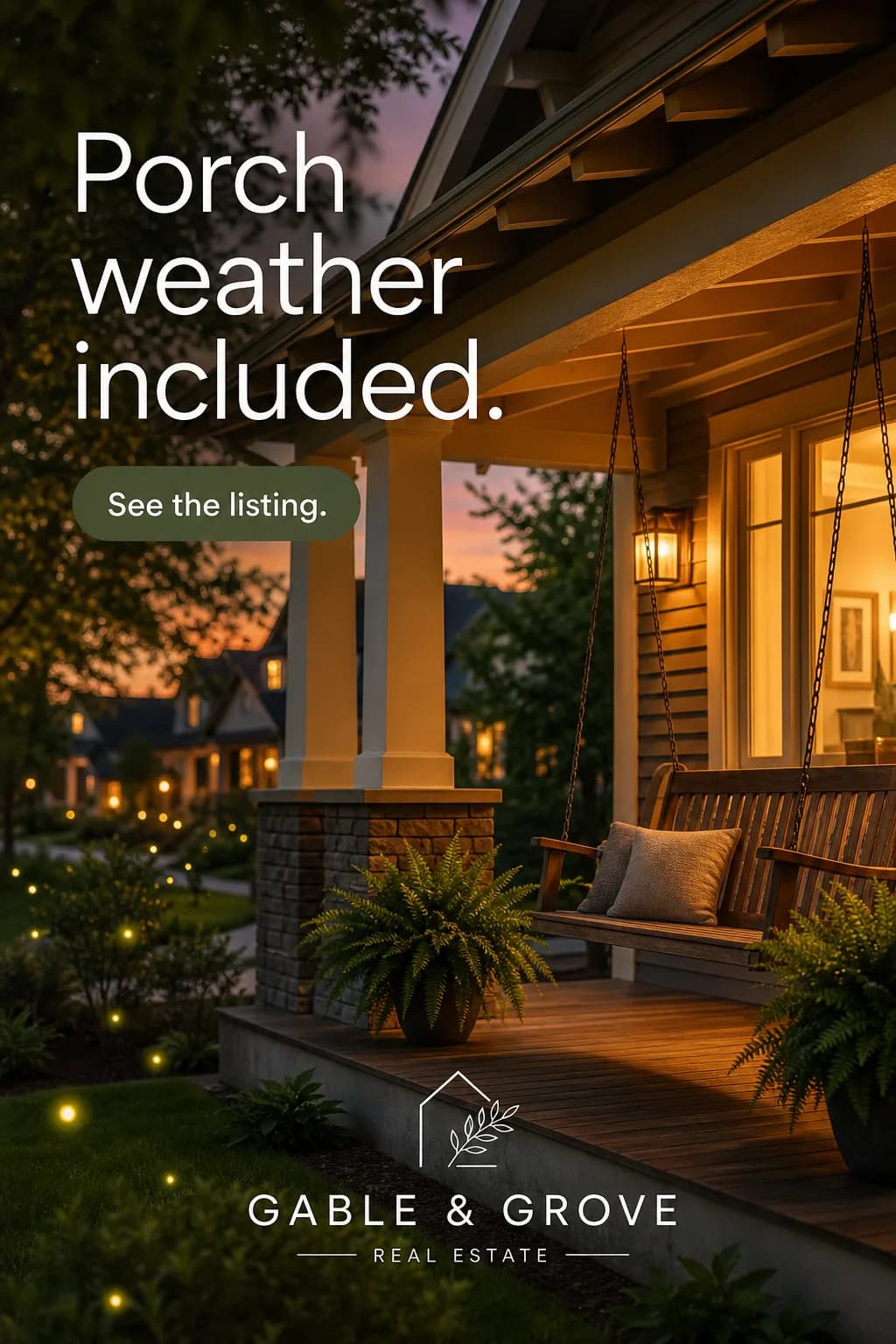 Real Estate. Listing to campaign quickly, with fair housing inside the review path.
 Insurance. Turn complex coverage into clear interest without promising what the policy does not.
 Travel. Describe the promotion once. HawtAds carries it across display and social.
Create your next automotive campaign this week
Turn your brief into the formats you need. Your first ad is free, no card required.
