Create SaaS ads with AI
Turn a feature list into a reason to click, from launch post to retargeting banner.
SaaS creatives, straight from the editor
5 ads on this page
Brief it once. Build every format.
5 steps
Start with your brand and brief, then move through review to the finished sizes your campaign needs.
Step 1: Brand
HawtAds absorbs software identity, interface language, customer category, and voice
Step 2: Brief
Split out the buyer, painful job, product result, proof, and funnel action
Step 3: Refine
Add interface references and compare problem, outcome, or proof-led routes
Step 4: Proof
Check claim accuracy, product naming, UI fidelity, and CTA match
Step 5: Generate
Acquisition creative renders for trial, demo, launch, and retargeting campaigns
How to create SaaS ads with AI
Product shipped the integration this morning and marketing inherited a changelog entry, a screenshot, and no creative. HawtAds creates SaaS ads with AI from your software brand, the buyer, the job that frustrates them, and a focused interface reference, then gives you problem, outcome, and proof-led routes. You check terminology and UI details before adapting for trial, demo, or retargeting.
Most software ads ask a feature list to do a headline’s job
Internal teams want the ad to carry every workflow, integration, and use case. The buyer meets it in a feed, with time for exactly one useful idea.
The strongest SaaS ads pick one recognizable work moment: what is frustrating now, what changes, what to do next. Everything else belongs on the landing page.
- Feature overload A long list produces small type and no clear reason for the right buyer to stop.
- Generic outcomes “Save time” and “work smarter” hide the actual job the product improves.
- Unreadable UI Full dashboard screenshots look like proof inside the company and noise inside a paid placement.
- Funnel mismatch A cold audience sees “Book a demo” before the creative has explained why the product matters.
Build one ad around one product moment
Campaign stage should determine how much the viewer already knows and what the creative needs to prove.
| Funnel job | Useful lead | Appropriate next step |
|---|---|---|
| Category awareness | A familiar costly problem | Learn how it works |
| Product launch | A new capability tied to a user job | Explore the release |
| Evaluation | Workflow, integration, or credible result | Book a demo or start a trial |
| Retargeting | Objection, proof, or unfinished setup | Return and complete the action |
This keeps the CTA from getting ahead of the story.
Test different explanations of the same value
Good variation is strategic: one route shows the messy process, another the clean result, a third a product crop as proof. Keep the claim and destination stable so the test reveals which framing earns attention.
When a direction wins, adapt it to each ratio: a sequence for stories, product cue plus headline for squares, just problem, name, and CTA for small display. A precise brief keeps the campaign from becoming another cloud graphic with the word “platform.”
SaaS ad questions
5 questions
Give HawtAds your brand URL, target user, the job they struggle with, the result your software supports, and the desired action. Add a focused interface reference when useful. Generate several message routes, refine the strongest one, and export it for trial, demo, launch, or retargeting placements.
A useful brief names the role, frustrating task, product moment, credible result, proof, and next step. It also lists approved product names and claims. “Help finance teams reconcile exceptions before close” gives the creative more direction than a long feature list or a broad request to show efficiency.
Include a focused interface moment when it proves the message. A result card, workflow step, or before-and-after state is usually easier to read than a complete dashboard. Use the real product and review every visible label. If the UI needs a magnifying glass, it is not helping the ad.
Yes. A category awareness ad can frame the problem, a launch ad can explain what changed, a demo ad can show the workflow, and a retargeting ad can remove a final objection. Separate briefs keep the message appropriate while a common brand kit makes the campaign feel connected.
Provide approved terminology, feature availability, plan limits, proof, and phrases that should not appear. Review the final headline, supporting copy, interface, and landing page together. HawtAds helps preserve the brief, but product and legal owners should approve any claim that could shape a buyer’s decision.
Related industries
All industries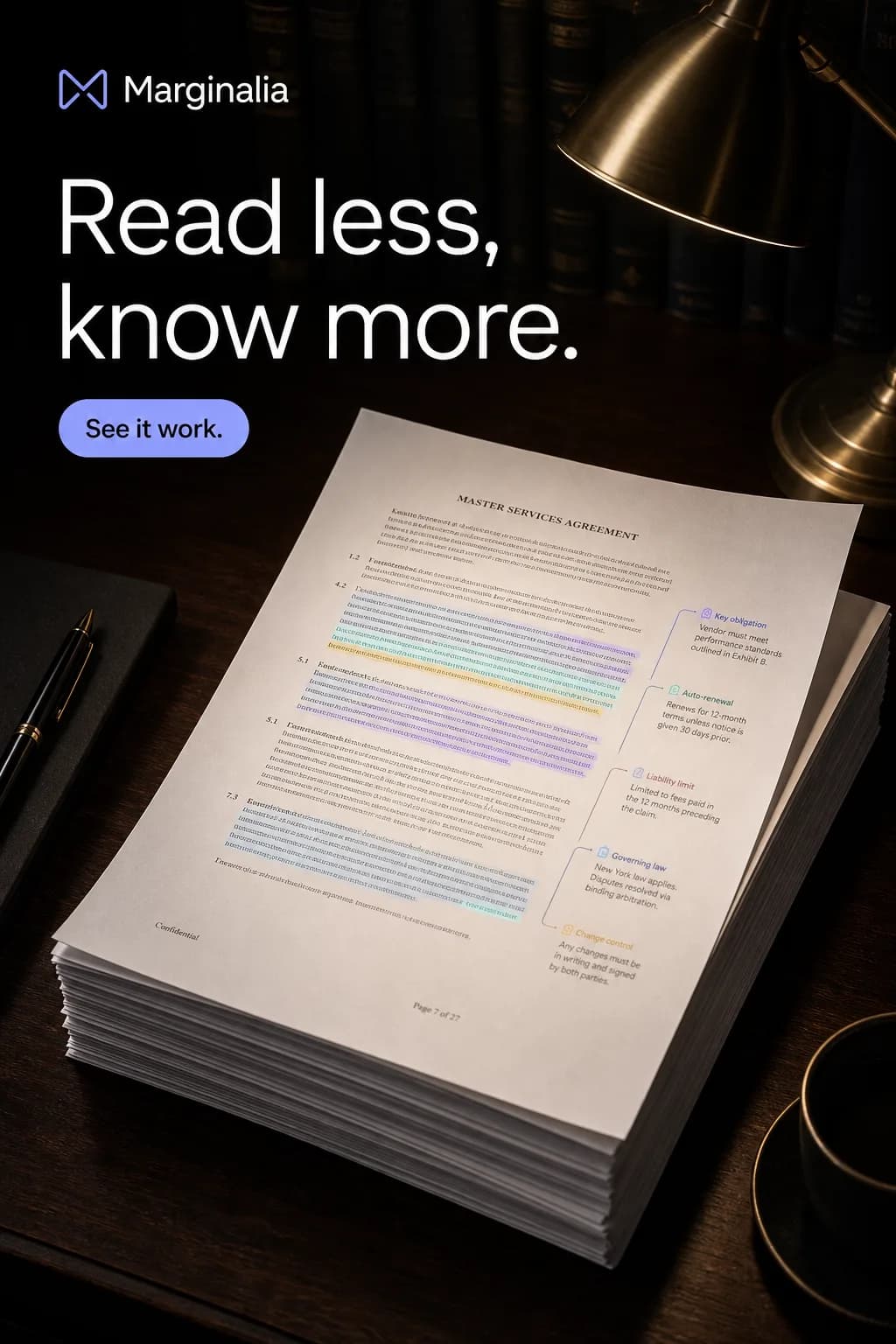 AI Tools. Turn an abstract capability into an outcome buyers understand.
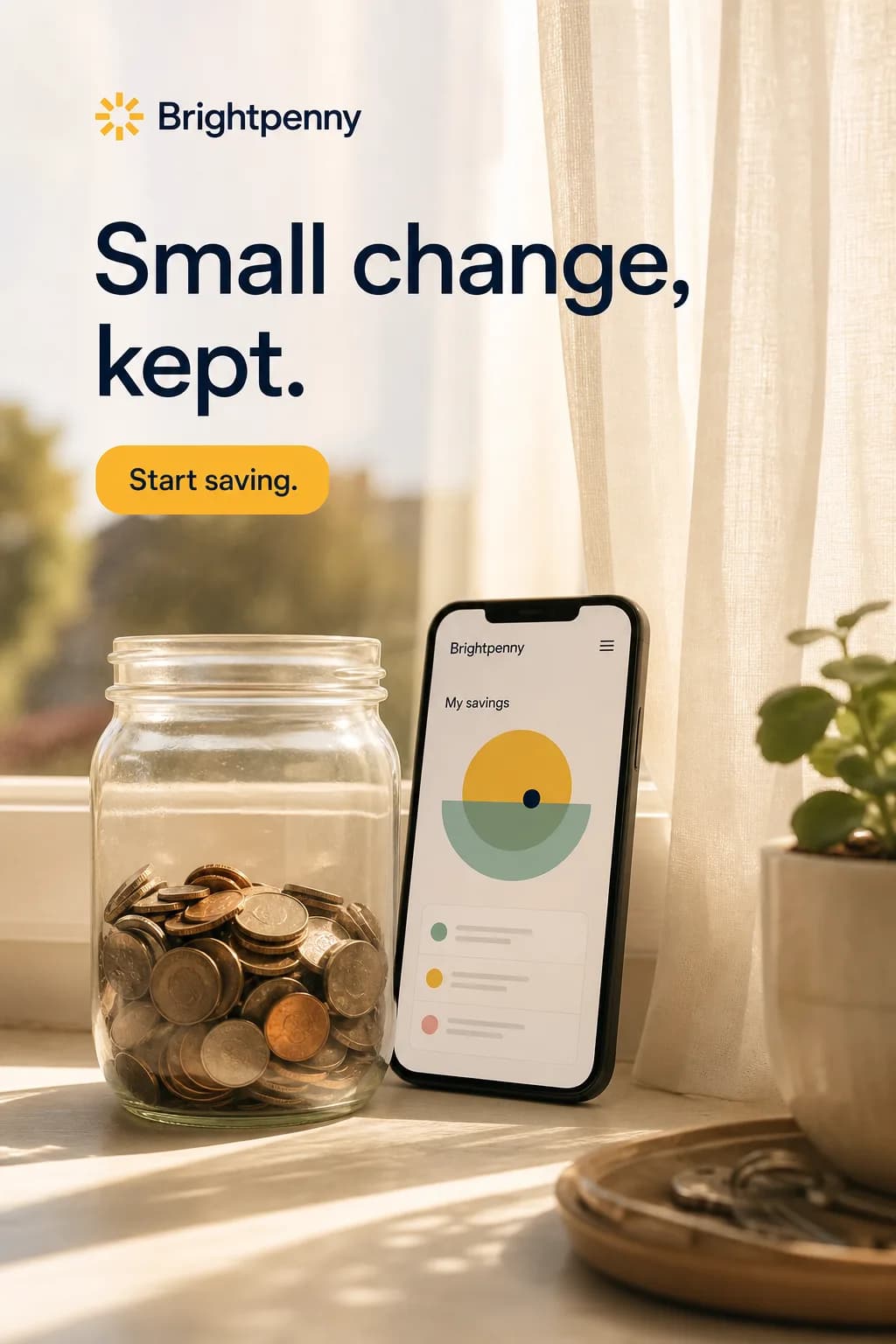 Fintech. Make a complex financial product understandable without skipping the terms.
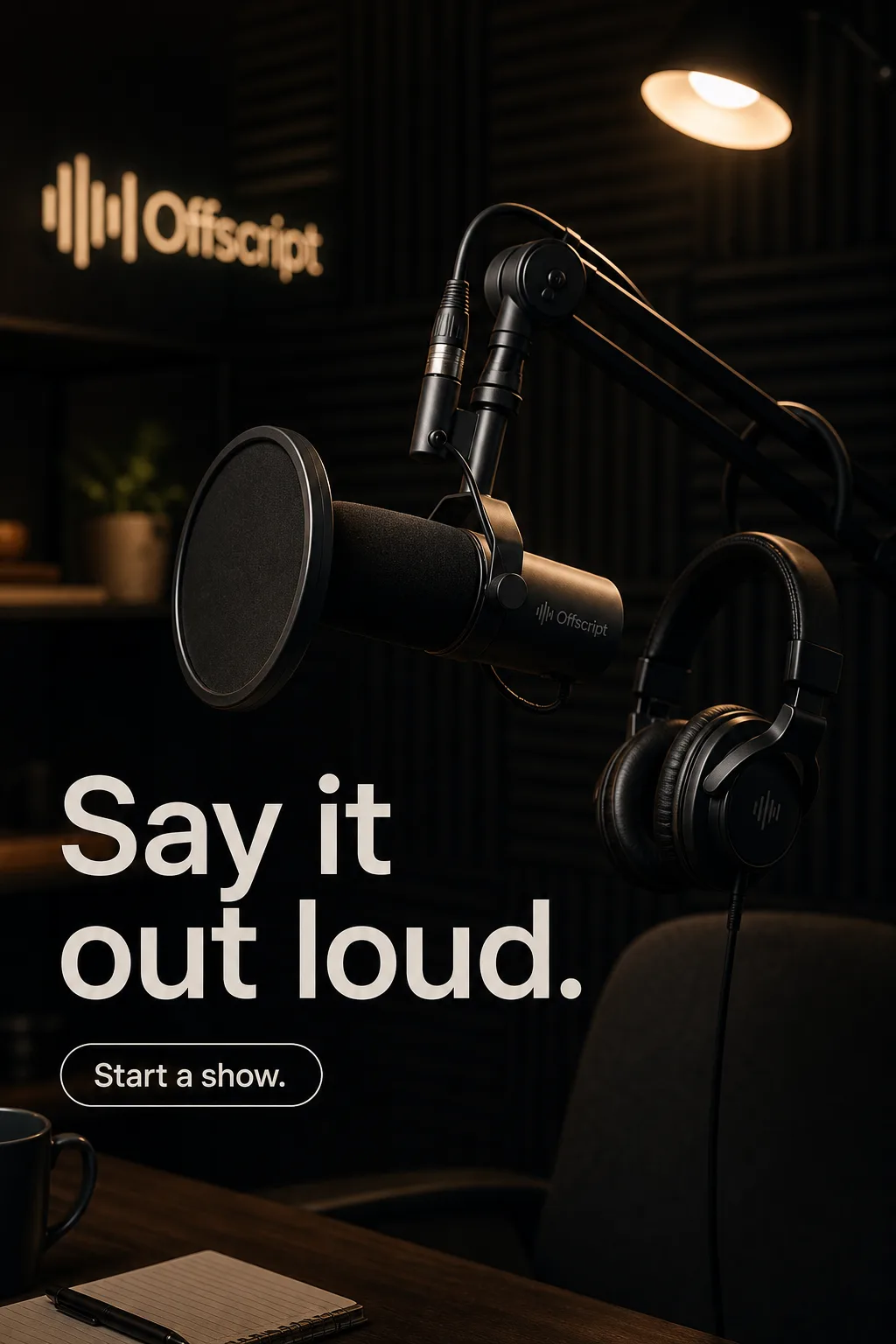 Creator Economy. Campaign creative that still feels like the person behind it.
 EdTech. Explain the learning outcome without impossible promises or stock-photo classrooms.
Create your next SaaS campaign this week
Turn your brief into the formats you need. Your first ad is free, no card required.
