The Compliance Knowledge Gap: Why Most Marketers Fail in Regulated Industries
Picture this: It’s 4:30 PM on a Friday. You’ve just finished the final polish on a master ad creative. The lighting is perfect, the copy is punchy, and the call-to-action pops beautifully. You export the file, drop it into Slack,…
Then, the media buyer replies.
"Looks amazing! Can we get this resized for Meta (Feed, Stories, Reels), TikTok, Google Display (all 12 standard sizes), and our three adult DSPs? Oh, and Google rejected the last one because it was 152KB instead of 150KB. Need these by EOD. Thanks!"
Cue the cold sweat. Your beautiful, cohesive design is about to be stretched, squished, cropped, and compressed into 25 different Frankenstein versions of its former self. You are about to enter the soul-crushing world of ad resizing.
If you’re a designer, marketer, or media buyer who builds dozens of variants for every campaign, you know this pain intimately. Every platform has its own esoteric set of rules, and missing even one can result in rejected ads, throttled reach, or a UI overlay completely covering your CTA.
But it doesn't have to be this way. Let’s break down the most common spec pitfalls, how to navigate the wild differences between platforms, and how to build a foolproof system so you can hit every requirement without losing your mind.
The Seven Circles of Ad Spec Hell
Before we can conquer the beast, we have to understand it. Ad specs aren't just about width and height; they are a multi-layered gauntlet of technical requirements. Here are the most common spec pitfalls that trip up even veteran designers.
1. Dimensions and Aspect Ratios (The Squish and Stretch)
In a perfect world, one size would fit all. In our world, a 16:9 YouTube pre-roll ad and a 9:16 TikTok ad are fundamentally different mediums. You can’t just "crop the sides" of a landscape video to make it vertical. The focal point shifts. The text gets cut off.
When you move from a 1:1 Instagram square to a 4:5 portrait, or down to a 320x50 mobile leaderboard, the entire visual hierarchy has to be reimagined. Forcing a square peg into a 728x90 rectangular hole is how you end up with illegible text and awkward, floating heads.
2. File Weight (The "Too Fat to Fly" Error)
It’s the year 2024. We have gigabit internet and smartphones more powerful than the computers that took us to the moon. Yet, programmatic display networks still demand that your rich media HTML5 banner be under 150KB.
File weight limits are the bane of high-quality design. To hit these archaic limits, designers are forced to crush their beautiful PNGs through compression tools, lower video bitrates until they look like they were filmed on a potato, and ruthlessly delete animation frames. If you are off by a single kilobyte, the DSP will auto-reject the upload.
3. The Dreaded Text-to-Image Ratio
Remember Facebook’s infamous "20% text rule"? Officially, Meta retired the strict grid tool that rejected ads for having too much text. Unofficially? The algorithm still heavily penalizes ad delivery if your image is cluttered with typography.
Other networks, particularly adult DSPs and native ad platforms, have strict readability guidelines. If your text is too small, lacks contrast, or covers too much of the lifestyle imagery, your ad will sit in "Pending Approval" purgatory forever.
4. Safe Zones (Where UI Goes to Kill Your CTA)
You designed a stunning 9:16 video for TikTok. The hook is great, the visuals are crisp, and your massive "CLICK HERE" button is right at the bottom. You upload it, and suddenly, the creator's handle, the caption, the music ticker, and a cluster of share buttons completely obliterate your CTA.
Safe zones are the invisible borders you must respect. Every vertical video platform (Reels, Shorts, TikTok) has a different UI overlay. Designing without a safe zone template is like painting a masterpiece and then letting someone nail a piece of plywood over the bottom third of it.
5. Logo Placement and Branding Rules
Some platforms require your logo to be visible at all times. Others require it to be a specific size. On Google Display, omitting a clear brand logo can lead to an immediate disapproval under their "Unclear Relevance" policy. Keeping your branding consistent while shuffling it around to appease different platform rules is a massive headache.
6. Animation Limits (Seconds, Loops, and Frame Rates)
So you built a gorgeous HTML5 banner or a GIF. It tells a story over 45 seconds. You upload it to Google Ads, and—REJECTED. Why? Because animations can’t exceed 30 seconds. Oh, and it can’t loop endlessly; it has to stop after 3 loops.
Different platforms have radically different rules for motion. Some adult DSPs only allow a certain number of frames per second in their GIFs to prevent flashing imagery that might trigger seizures (or just annoy users). Keeping track of these animation constraints is a full-time job.
Navigating the Wild West: Social vs. Display vs. Adult DSPs
The reason ad specs make us lose our minds is that there is absolutely zero standardization across the industry. Let's look at the three main arenas you’re likely designing for, and why they clash.
Mainstream Social (Meta, TikTok, X, Snapchat)
Social platforms are generally forgiving when it comes to file size (up to 4GB for some videos!), but they are incredibly strict about aspect ratios and safe zones. Social is a mobile-first environment. If your ad doesn't look native to the platform's UI, users will scroll past it in milliseconds. The challenge here isn't compression; it's layout adaptation and capturing attention within the specific app's interface.
Programmatic & Display (Google Ads, The Trade Desk)
Welcome to the land of the 150KB limit. Display advertising is all about standard IAB (Interactive Advertising Bureau) sizes. You’ll be building 300x250s, 160x600s, and 728x90s all day long. The challenge here is purely technical: how do you make a tiny banner look good, include a logo, a value prop, and a CTA, while keeping the file size small enough to load instantly on a publisher's website?
Adult DSPs (TrafficJunky, ExoClick, TrafficFactory)
This is where things get really specific. Adult DSPs are massive traffic sources, but they operate on their own unique set of rules. They often utilize non-standard sizes (like 315x300 or 900x250) that you won't find on mainstream platforms.
Furthermore, because these networks deal with high-volume, rapid-fire traffic, their file weight limits for static and animated banners can be exceptionally strict. Add in complex compliance rules regarding what can and cannot be shown in the creative itself (blurring rules, text restrictions), and designing for adult DSPs requires a hyper-vigilant approach to specs.
Building Your "Single Source of Truth" Spec Doc
If you are relying on your memory or quick Google searches to check specs every time you build an ad, you are setting yourself up for failure. Platform rules change constantly. Google searches often bring up outdated articles from 2019.
To stop losing your mind, you need to build a "Single Source of Truth" (SSOT) for your team. This is a centralized document—usually a Notion page, a locked Google Sheet, or a Figma file—that dictates the exact requirements for every platform you buy media on.
Here is what your SSOT needs to include for every single ad placement:
- Platform & Placement: (e.g., Meta - Instagram Stories)
- Dimensions: (e.g., 1080 x 1920)
- Aspect Ratio: (e.g., 9:16)
- Max File Weight: (e.g., 30MB for video, 30MB for image)
- Accepted File Types: (e.g., MP4, MOV, JPG, PNG)
- Video Length Limits: (e.g., 1 to 60 seconds)
- Animation Rules: (e.g., Max 15 seconds, 3 loops)
- Safe Zone Template Link: A direct link to a transparent PNG overlay your designers can drop into their files to check their work.
Whenever a media buyer adds a new network to the mix, they are not allowed to request creatives until they have filled out a new row in the SSOT. This simple rule will save your design team hundreds of hours of rework.
The Ultimate Quick-Reference Spec Cheat Sheet
To help you start your SSOT, we’ve compiled a quick-reference guide for the most common platforms and their most vital (and annoying) specs as of 2024.
Mainstream Social Specs
- Meta (Facebook/Instagram) Feed: 1080x1080 (1:1) or 1080x1350 (4:5). Max file size 30MB (image), 4GB (video). Pro-tip: 4:5 takes up more screen real estate and generally performs better than 1:1.
- Meta/TikTok/Shorts Vertical: 1080x1920 (9:16). Crucial: Keep the bottom 20% and the right-hand 15% completely free of text or logos to avoid UI overlap.
- X (Twitter) In-Feed: 1200x628 (1.91:1) or 1080x1080 (1:1). Max 5MB for images, 512MB for video.
Programmatic & Google Display Specs
- Top Performing Sizes: 300x250 (Medium Rectangle), 728x90 (Leaderboard), 160x600 (Wide Skyscraper), 320x50 (Mobile Leaderboard).
- The Golden Rule: 150KB maximum file size. No exceptions.
- Animation: Maximum 30 seconds. Must stop looping after 30 seconds. Frame rate usually capped at 5 fps for GIFs.
Adult DSPs (General Guidelines)
- Standard Sizes: 300x250, 315x300, 300x100, 900x250, 728x90.
- File Weights: Highly variable, but often strict. Many cap static banners at 150KB-200KB to ensure rapid loading on high-traffic publisher sites.
- Compliance: Banners must usually clearly state what the user is clicking on. Misleading buttons (like fake "Play" buttons or fake OS notifications) are frequently banned and will result in account suspension.
Stop Resizing, Start Automating: How AI Cures the Spec Headache
Building a Single Source of Truth is a great first step. Having transparent safe-zone overlays in Figma is smart. Memorizing the 150KB limit is necessary.
But let’s be honest: manually resizing, compressing, and checking safe zones for 30 different ad variants is still incredibly tedious. It is repetitive, robotic work that drains a designer's creative energy. You didn't learn typography, color theory, and layout design just to spend your days exporting JPEGs at 60% quality to hit a file size target.
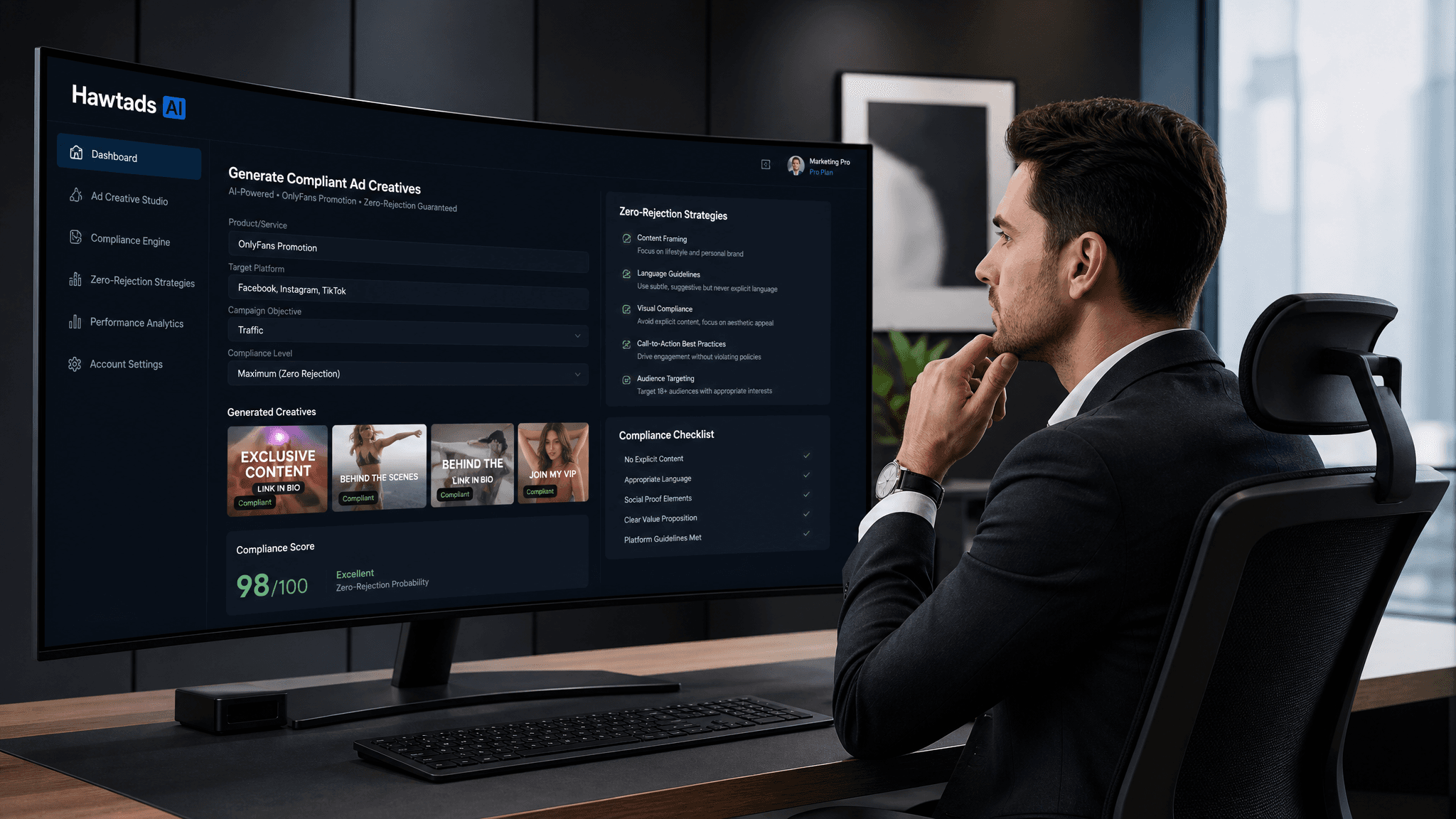
This is exactly why the industry is moving toward AI-driven automation. And this is where Hawtads changes the game.
Instead of manually dragging elements around a canvas 25 times, what if you could design your master creative once, and let an intelligent system do the heavy lifting?
1. Automated Spec Enforcement
With an AI-powered ad creation platform like Hawtads, spec compliance is built into the foundation. When you select your target platforms—whether it's Meta, Google Display, or specific Adult DSPs—the system automatically knows the required dimensions, aspect ratios, and file weight limits. You don't have to look up a spreadsheet; the platform enforces the rules for you.
2. Intelligent Resizing and Layout Adaptation
Unlike basic resizing tools that just crop your image (ruining your composition), intelligent templates understand the elements of your ad. They know what the background is, what the product shot is, and what the CTA is. When adapting a 1:1 square to a 160x600 vertical skyscraper, the AI rearranges the elements logically, ensuring the text remains legible and the focal point remains intact.
3. Built-In Safe Zones
Forget downloading transparent PNG overlays. Modern ad creation platforms have platform-specific UI safe zones baked into the preview window. You can see exactly how your TikTok ad will look with the caption and buttons overlaid before you export it, guaranteeing your CTA is never hidden.
4. Automatic Compression
Struggling with the 150KB limit? Hawtads optimizes your assets automatically upon export. It balances visual fidelity with file weight requirements, ensuring your banners look crisp while satisfying the strictest DSP upload rules.
Reclaim Your Creative Time
Ad specs are the necessary evil of digital marketing. They ensure a smooth user experience and keep the digital ecosystem functioning. But managing them manually is a recipe for burnout, errors, and delayed campaign launches.
By understanding the core pitfalls—dimensions, file weights, safe zones, and platform-specific quirks—you can stop playing guessing games with your media buyers. By building a Single Source of Truth, you align your team.
But ultimately, by leveraging AI tools like Hawtads, you can eliminate the manual labor of spec compliance entirely. You can get back to doing what you actually love: coming up with brilliant, high-converting creative ideas. Leave the pixel-pushing and kilobyte-counting to the machines.
Next time you get that Slack message asking for 32 different ad sizes by EOD, you won't break a sweat. You'll just smile, click a few buttons, and go back to enjoying your coffee.