Create accessories ads with AI
Every bag, watch, and frame gets its own campaign, one visual identity.
Accessories creatives, straight from the editor
5 ads on this page
Brief it once. Build every format.
5 steps
Start with your brand and brief, then move through review to the finished sizes your campaign needs.
Step 1: Brand
HawtAds gathers product palette, materials, logo, and visual mood into one brand direction
Step 2: Brief
Spell out the product, collection story, audience, price point, and CTA
Step 3: Refine
Choose close-up references, placements, and the number of concepts to explore
Step 4: Proof
Check product focus, readable copy, and brand consistency before generation
Step 5: Generate
HawtAds delivers a coordinated set of product-led variations to edit and export
How to create accessories ads with AI
The clasp is the reason the bag costs what it does, and it disappears the moment that shot is squeezed into a feed tile. HawtAds builds accessories ads around that one detail, generating product-led routes for your placements from your brand, your reference photography, and the buying reason. You approve shape, price, and offer before export.
Small products need deliberate art direction
An accessory carries the brand story in a few centimeters of material. Treat the buckle, dial, or hardware as decoration and the ad loses the reason to notice.
Range is the other challenge. Entry pieces, statement pieces, gifts, and limited colors need speed that does not flatten their differences.
- Detail gets lost The feature that justifies the price can disappear when a product image is squeezed into a busy layout.
- Collections sprawl New colors and styles multiply the number of ads while the campaign deadline stays fixed.
- Lifestyle can overpower product A beautiful scene is wasted if shoppers cannot tell what is being sold at a glance.
- Retargeting goes stale Repeating one catalog image across every placement creates familiarity without renewed interest.
Build the frame around the buying reason
Start with the job, not the aesthetic. A launch needs intrigue, retargeting needs product clarity, a gift campaign needs the occasion obvious. Same item, different creative problems.
| Campaign moment | Lead with | Keep secondary |
|---|---|---|
| New collection | Signature silhouette and collection idea | Individual price or variant |
| Product launch | One distinguishing detail | Broader brand story |
| Gift period | Recipient, occasion, and delivery promise | Technical product language |
| Retargeting | Recognizable product and clear next step | Extra mood imagery |
Give the product room to feel real
References carry lighting, material, and scale. Generate a close crop for texture and one wider frame for how the piece sits on a person.
Check the outline at real placement size, keep fine type readable in a mobile feed, and let one detail earn the spotlight.
Accessories ad questions
5 questions
Add your brand URL, describe the product and the reason someone should want it, then choose a placement. HawtAds uses that direction to generate product-led variations that match your colors and tone. You can refine the strongest route in the editor before exporting it for display or social campaigns.
Name the exact product, material, color, price position, audience, and occasion. Add the one detail that deserves the closest look, such as a clasp, finish, lens shape, or stitching. A focused brief gives the generator a clear visual hierarchy instead of asking it to make a vague lifestyle image.
Yes. Build each new brief on the same brand kit and carry over the art direction that worked last time. The product can change while the palette, typography, lighting language, and composition rules remain familiar. That makes a seasonal collection feel connected without forcing every item into the same rigid template.
It does when the brief explains the difference. Luxury creative usually needs restraint, material detail, and generous space. Everyday products often benefit from context, price clarity, and a quicker read. HawtAds follows the positioning you provide instead of assuming every accessory should look glossy or expensive.
Square and portrait social ads are useful for product detail and collection storytelling. Stories give launches more room for vertical composition and a direct CTA. Standard display sizes work well for retargeting when the product, offer, and brand remain legible at a smaller scale. HawtAds supports these common placements from one workflow.
Related industries
All industries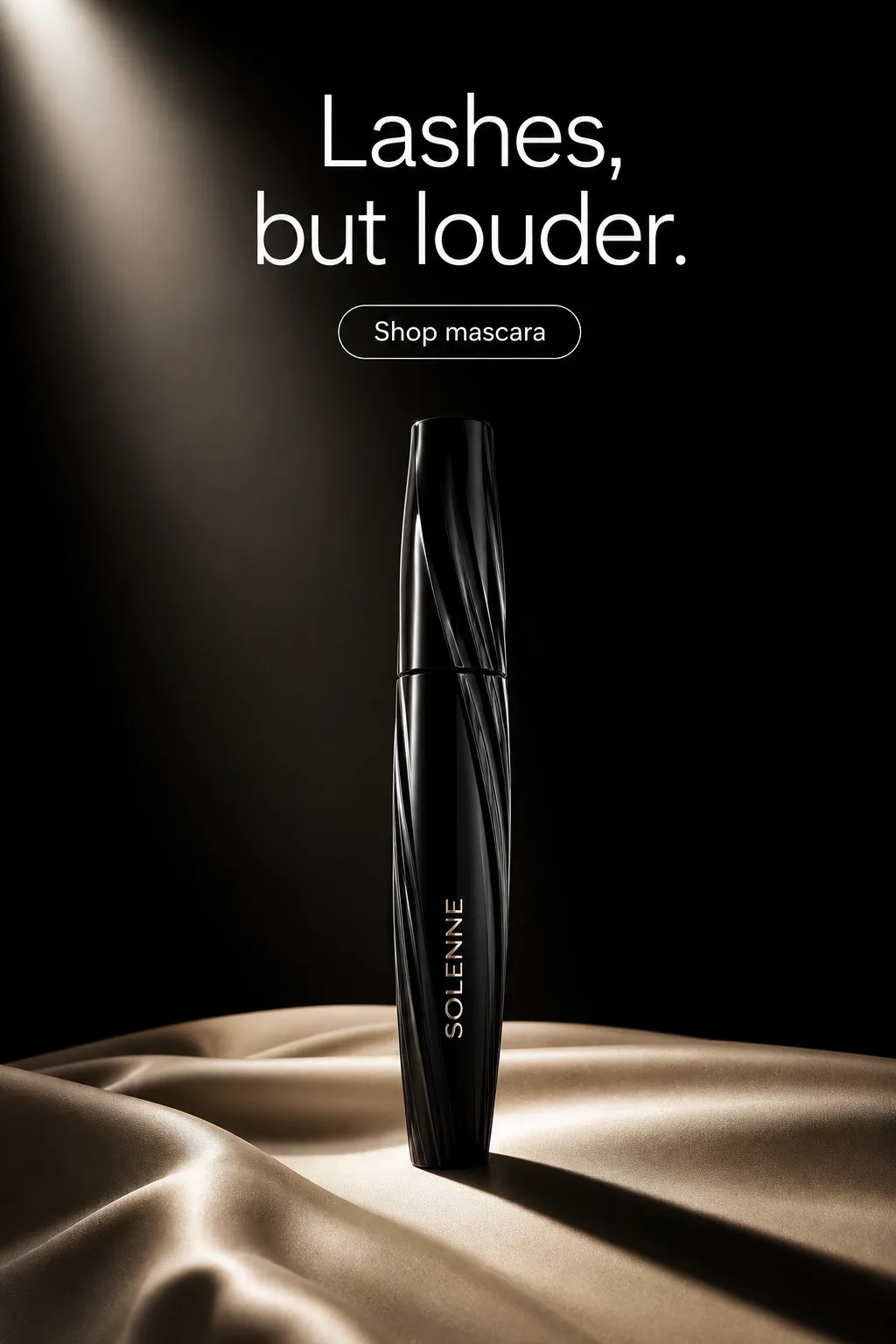 Beauty & Cosmetics. Launch, routine, and shade stories that keep the product recognizable.
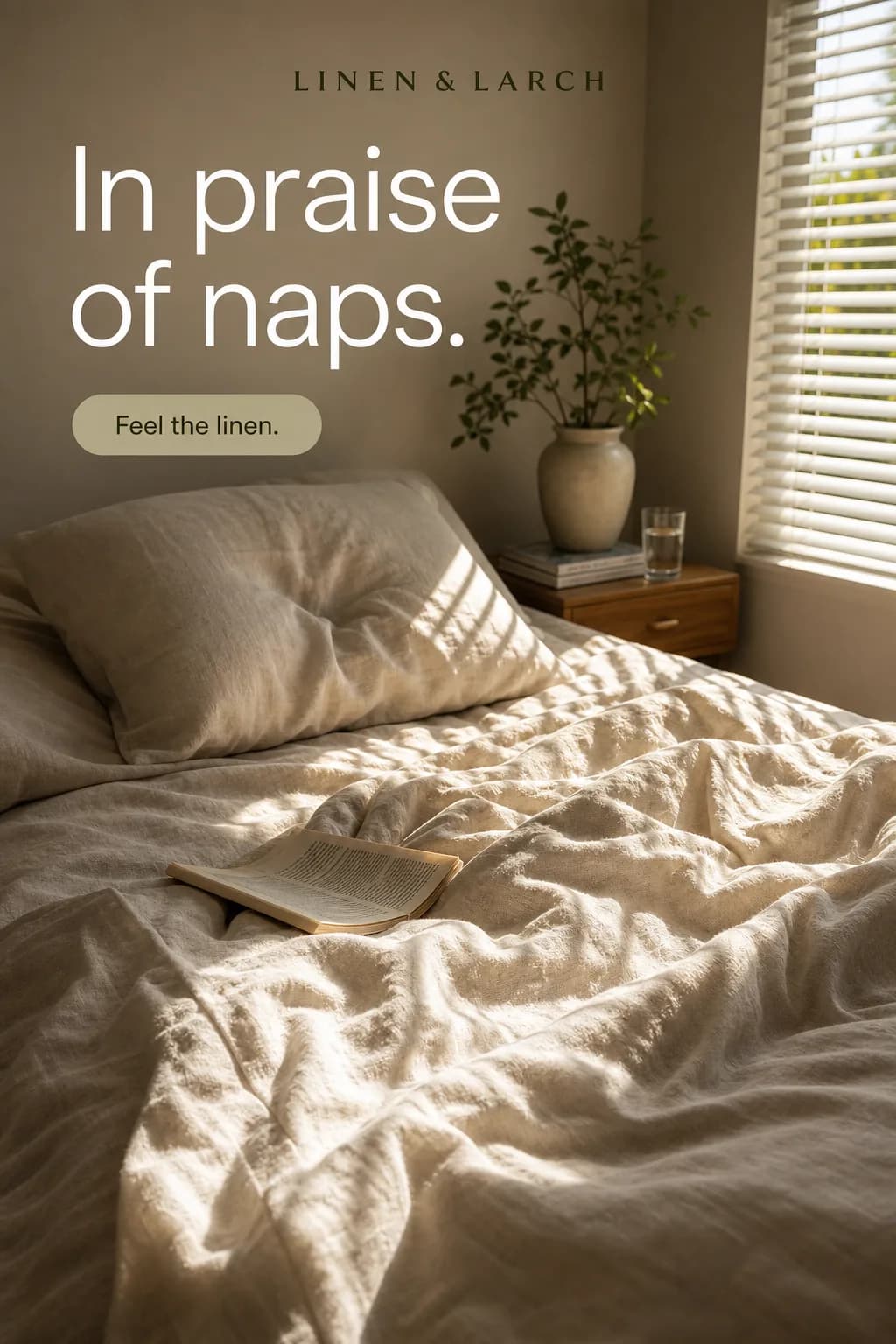 Home Goods. Show the product in real life with scale, material, and value easy to read.
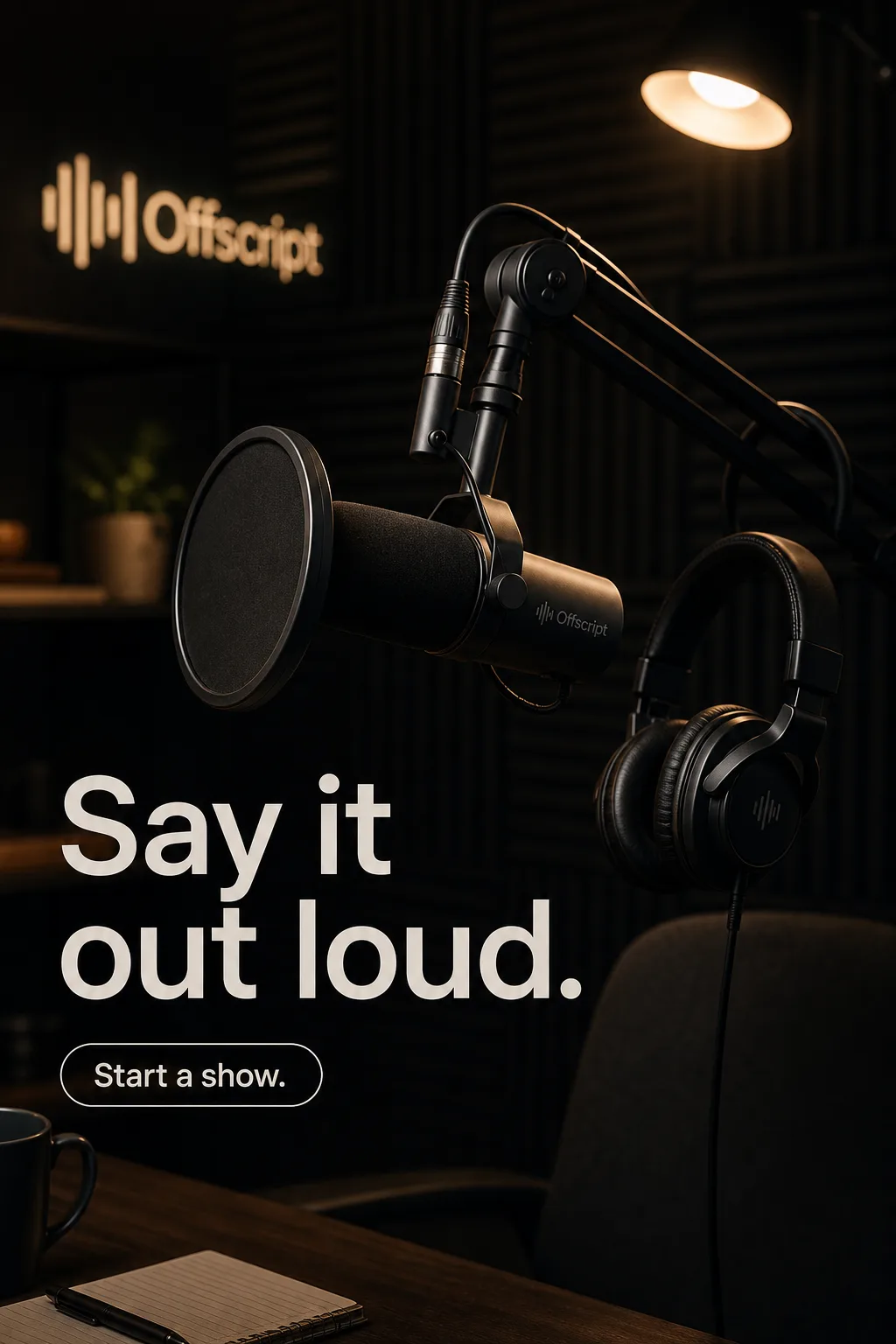 Creator Economy. Campaign creative that still feels like the person behind it.
Create your next accessories campaign this week
Turn your brief into the formats you need. Your first ad is free, no card required.
