Create home goods ads with AI
Show the product in real life with scale, material, and value easy to read.
Home Goods creatives, straight from the editor
5 ads on this page
Brief it once. Build every format.
5 steps
Start with your brand and brief, then move through review to the finished sizes your campaign needs.
Step 1: Brand
Palette, materials, styling rules, logo, and room mood define the visual system
Step 2: Brief
Keep product, dimensions, room, customer, occasion, offer, and CTA explicit
Step 3: Refine
Add accurate product assets and explore room, detail, or collection-led scenes
Step 4: Proof
Review scale cues, product identity, copy hierarchy, and offer details
Step 5: Generate
HawtAds readies coordinated product and lifestyle variations for the campaign calendar
How to create home goods ads with AI
A return comes back with one line in the comments, which is that the sofa looked bigger online. HawtAds creates home goods ads with AI from an accurate product reference, real dimensions, material, and room context, building product-first and lifestyle routes. You inspect scale, color, construction, and what is actually included before adapting across social and display.
A room scene has to inspire without creating confusion
Shoppers want to picture the item at home, which makes context valuable and errors expensive. A wrong fabric or impossible depth undermines trust at the product page.
The reason to notice changes all year: storage solves January, a spring collection refreshes a room, a holiday table sells an occasion.
- Scale is hard to read A product shown without familiar surroundings can look larger or smaller than it really is.
- Lifestyle scenes drift Generated rooms may alter materials, proportions, doors, handles, or the number of product components.
- Catalog volume grows Colors, finishes, rooms, and seasonal stories multiply the asset count quickly.
- Inspiration hides utility A beautiful composition can fail to explain storage, comfort, assembly, or another practical buying reason.
Use the scene to answer a shopping question
Art direction becomes more useful when it begins with what a customer needs to know.
| Shopping question | Creative approach | Detail to protect |
|---|---|---|
| Will it fit? | Include credible scale cues and open space | Real dimensions and proportions |
| How will it look? | Show an appropriate room and material pairing | True color and finish |
| What problem does it solve? | Demonstrate storage, comfort, organization, or use | Actual product function |
| Does it work with the collection? | Pair items in one consistent visual system | Which products are sold separately |
This approach keeps the room from becoming an unrelated mood board.
Build a reusable seasonal system
Start from a product-accurate reference. Generate a hero route, a detail route, and a practical route, then carry the approved lighting and rhythm forward.
Review every export against the product record: count drawers, check finish and hardware, match material and price copy to the destination page.
Home Goods ad questions
5 questions
Add your brand, an accurate product image, dimensions or scale cues, the target room, audience, offer, and placement. HawtAds generates lifestyle and product-led concepts around that brief. Check the product color, material, proportions, and included items before refining and exporting the selected direction.
It can help create room context when you provide a clean product reference and clear direction for scale, style, lighting, and surrounding objects. Review the result closely. The scene should not change the product construction or imply that accessories are included when they are sold separately.
Include the product type, dimensions, material, finish, color, room, customer need, delivery or assembly point, offer, and CTA. Explain which details must remain exact. A sofa selected for a small apartment requires a different visual story from one positioned as the center of a large family room.
Create a shared art direction and then give each product or room its own focal point. One ad can introduce the collection mood, while others explain a hero item, material, storage benefit, or room solution. Reusing the brand foundation makes the series feel connected without turning it into a repeated catalog tile.
Portrait and square formats give room scenes enough space for product context. Stories can support seasonal reveals and collection sequences. Landscape and standard display placements are useful for retargeting when the product and offer remain readable. HawtAds lets teams prepare these versions from a common campaign direction.
Related industries
All industries Accessories. Every bag, watch, and frame gets its own campaign, one visual identity.
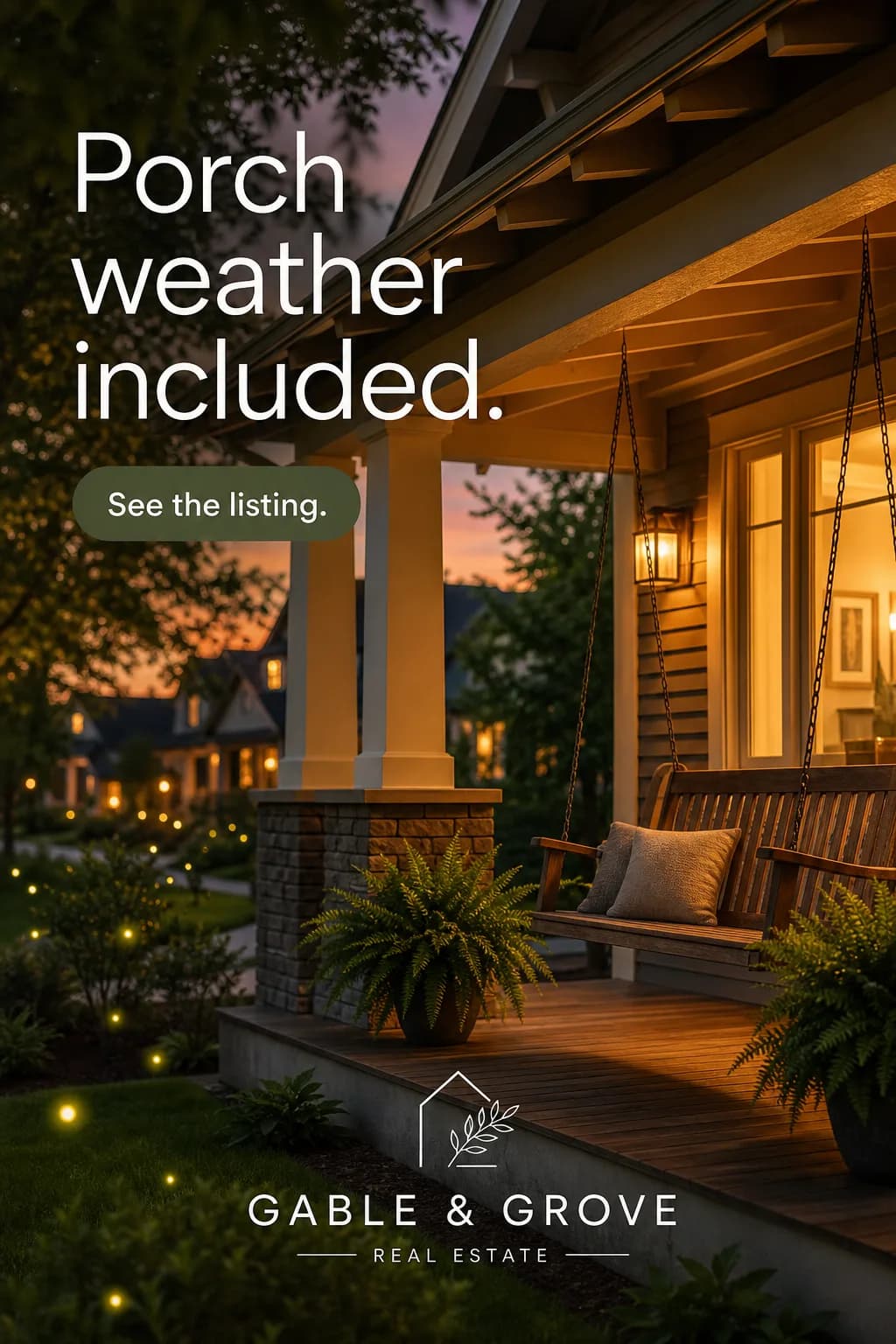 Real Estate. Listing to campaign quickly, with fair housing inside the review path.
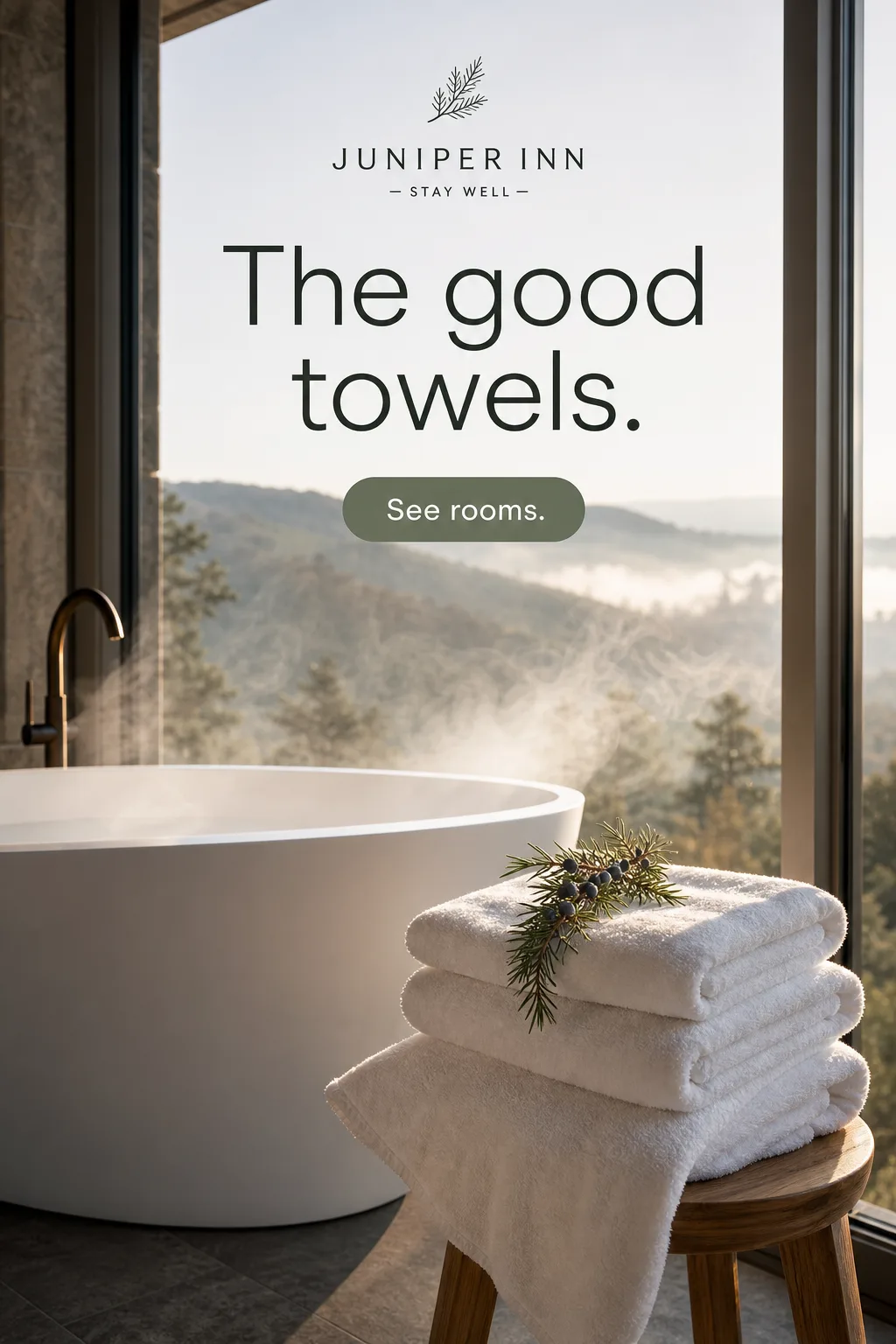 Hospitality. Sell the feeling of the stay while the offer stays grounded in reality.
Create your next home goods campaign this week
Turn your brief into the formats you need. Your first ad is free, no card required.
