Create AI tools ads with AI
Turn an abstract capability into an outcome buyers understand.
AI Tools creatives, straight from the editor
5 ads on this page
Brief it once. Build every format.
5 steps
Start with your brand and brief, then move through review to the finished sizes your campaign needs.
Step 1: Brand
Product identity, interface cues, category, and voice become the creative baseline
Step 2: Brief
State the user, task, product proof, and conversion action in plain language
Step 3: Refine
Add interface references and choose concepts for launch, trial, or retargeting
Step 4: Proof
Review claims, hierarchy, product naming, and CTA clarity before rendering
Step 5: Generate
HawtAds generates distinct product stories for the formats in the media plan
How to create AI tools ads with AI
A support lead spends every Monday morning tagging tickets by hand. That is the ad, not the gradient. HawtAds turns one user, one tedious task, and the result your AI tool produces into concepts for the placements you buy, working from your brand and a real interface reference. You approve the proof before it runs.
Buyers are tired of glowing gradients and vague promises
The technology is invisible and the category language interchangeable. Faster, smarter, and effortless could describe any landing page. The ad has to make the product legible in a second.
Positioning and screenshots change weekly. Creative needs a structure that absorbs those changes without restarting the campaign.
- Abstract value Model capability means little until a buyer can connect it to a task they already perform.
- Sameness everywhere Familiar neon visuals and generic robot language make very different products look identical.
- Fast-moving proof Screens and claims become outdated as the product changes, which leaves old ads telling the wrong story.
- Trust gap Big promises without a concrete workflow can make a useful tool look less credible.
Turn the capability into a scene
A strong AI ad answers three questions in order: who is this for, what changes in their day, what to do next.
| Weak starting point | Stronger direction |
|---|---|
| “AI-powered productivity” | “Turn a client call into a reviewed project plan before the meeting ends” |
| “Automate your content” | “Create five approved product captions from one launch brief” |
| “Intelligent analytics” | “Find the three accounts that need attention this morning” |
| “Next-generation assistant” | “Draft a support reply from the ticket and your help center” |
Concrete answers give the image, headline, and CTA a shared subject, and make honest review possible.
Use variation to test the story, not just the color
Vary the framing: the painful manual process, the finished result, or an interface crop as proof. Each asks the audience to understand the product differently.
Keep the name, claim, and action stable across routes, and resize winners so the interface stays readable. The best ad still comes from knowing which moment makes a buyer say, “That would help me.”
AI Tools ad questions
5 questions
Start with the user task your product makes easier, not a list of model features. Add your brand URL and a short brief naming the audience, the before-and-after outcome, and the desired action. HawtAds generates visual routes that you can edit, resize, and export for the campaign.
Use one recognizable job and one observable result. “Turn a recorded call into assigned follow-ups” gives a buyer more to picture than “unlock intelligent productivity.” Show the input, output, or interface moment that proves the claim. Save the larger platform story for the landing page.
Show it when the interface makes the promise easier to believe. A focused crop of a result, timeline, or completed workflow can provide useful proof. Avoid shrinking a full dashboard into an unreadable screenshot. When the UI is too dense, use a simplified product cue and let the headline carry the task.
Yes. A structured brief makes it practical to generate several directions before the release note is final. Keep product names, approved claims, and CTA language locked, then explore different visual metaphors and placements. If a detail changes, update the brief and regenerate only the affected campaign set.
Avoid promises that the product cannot consistently demonstrate, including absolute accuracy, fully autonomous work, or guaranteed business results. Be specific about what the tool does and where a person remains involved. Your legal and product teams should approve material claims before the creative is published.
Related industries
All industries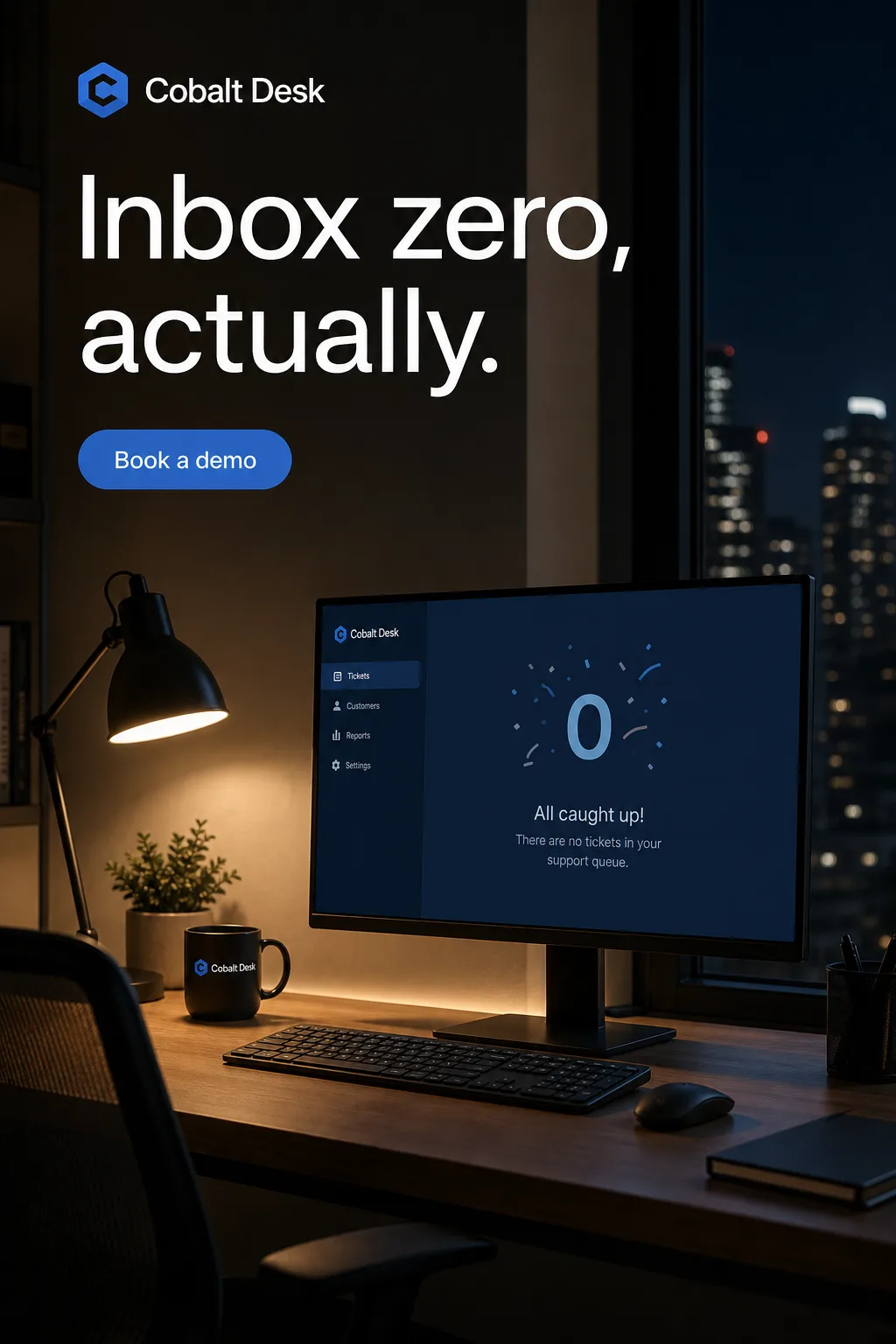 SaaS. Turn a feature list into a reason to click, from launch post to retargeting banner.
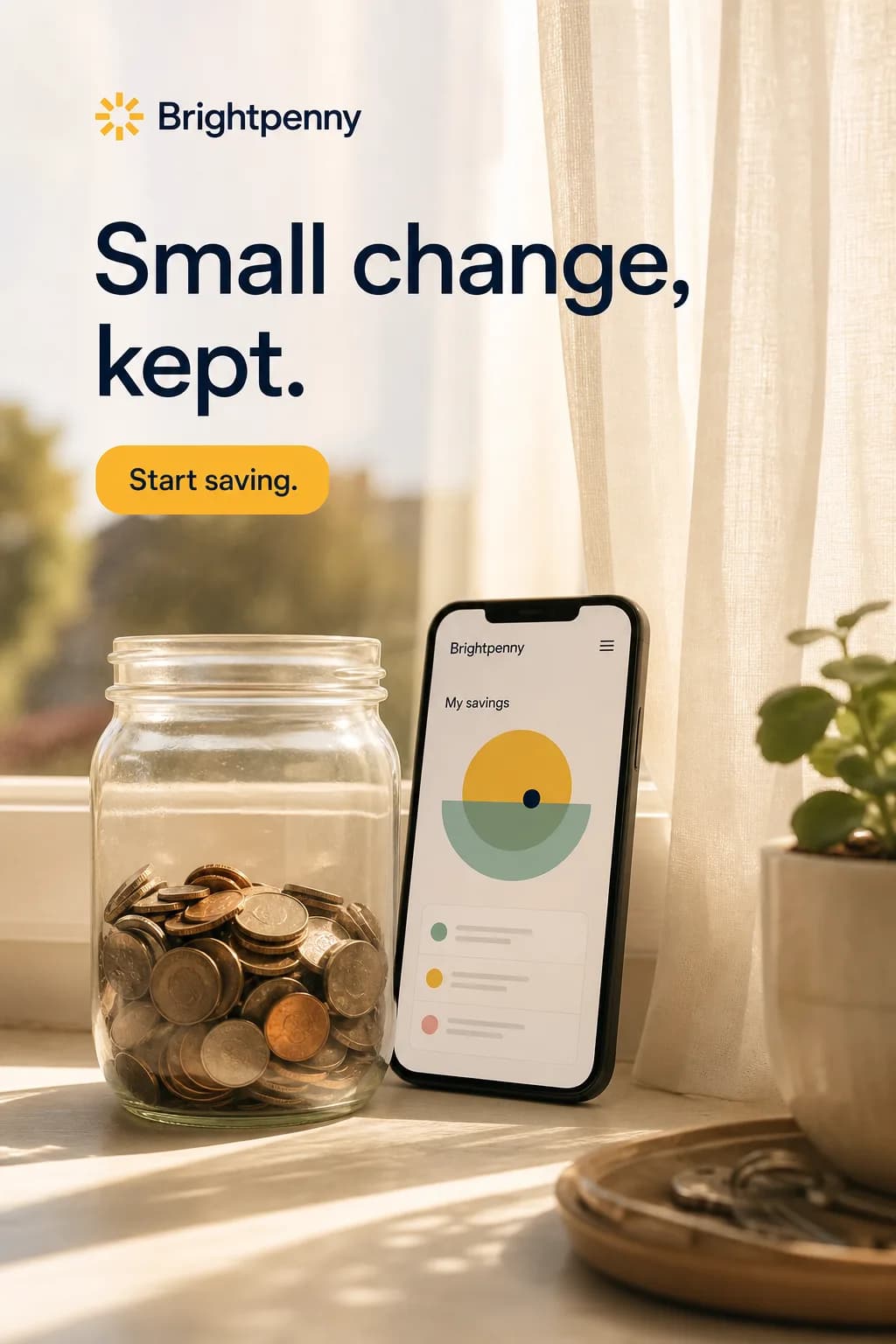 Fintech. Make a complex financial product understandable without skipping the terms.
 EdTech. Explain the learning outcome without impossible promises or stock-photo classrooms.
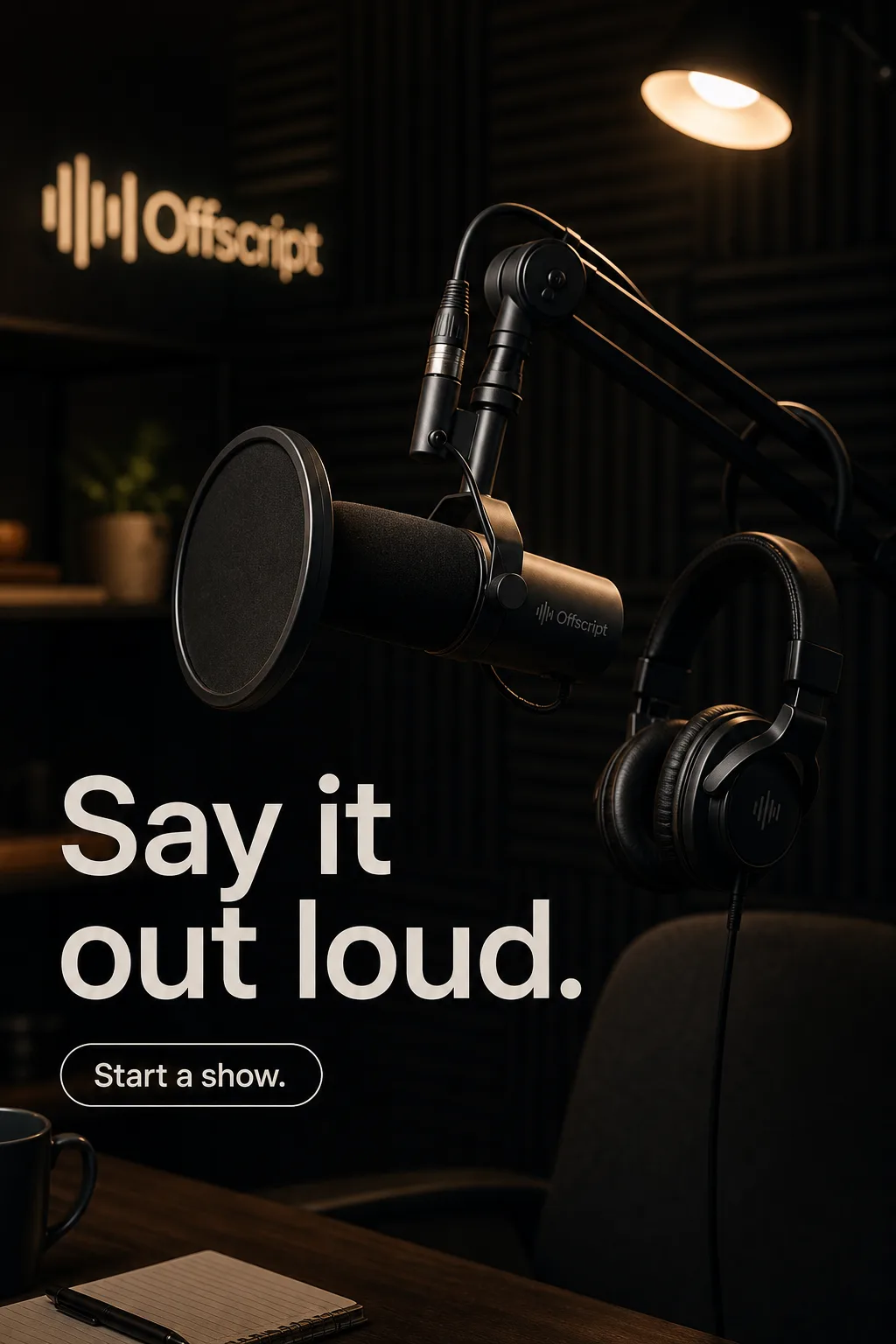 Creator Economy. Campaign creative that still feels like the person behind it.
Create your next AI tools campaign this week
Turn your brief into the formats you need. Your first ad is free, no card required.
