Create edtech ads with AI
Explain the learning outcome without impossible promises or stock-photo classrooms.
EdTech creatives, straight from the editor
5 ads on this page
Brief it once. Build every format.
5 steps
Start with your brand and brief, then move through review to the finished sizes your campaign needs.
Step 1: Brand
HawtAds gathers learning brand, interface cues, age range, voice, and visual system
Step 2: Brief
Separate the learner, buyer, subject, outcome, evidence, and enrollment action
Step 3: Refine
Choose product references and concepts for students, parents, or institutions
Step 4: Proof
Check audience fit, outcome wording, product accuracy, and copy readability
Step 5: Generate
HawtAds lines up campaign variations for enrollment, trial, demo, and re-engagement
How to create edtech ads with AI
District budget windows open in spring and close before teachers return. HawtAds creates edtech ads with AI from your brand, the learner, the buyer who signs, and the learning outcome, then gives you product-led, outcome-led, and proof-led routes. You check the interface details and keep the outcomes honest before export.
Education ads often have two audiences hiding in one campaign
The user, the buyer, and the recommender are often different people. A child uses the app, a parent subscribes, a teacher recommends, and procurement wants its own evidence.
Every benefit in one creative is a wall of claims. Start with the one person who must take the next step.
- Split decision-making Learners want progress, buyers want confidence, and institutions need evidence and practical fit.
- Abstract outcomes “Better learning” is too broad to picture and too difficult to trust without a specific task.
- Interface overload A complete dashboard screenshot becomes unreadable in most paid placements.
- Seasonal pressure Enrollment, exam, back-to-school, and budget windows create short deadlines with many audience versions.
Write for the moment after the click
Set up what the landing page can continue: a trial shows the first useful result, a demo frames the administrator workflow, enrollment makes program and dates clear.
| Audience | Useful promise | Helpful proof |
|---|---|---|
| Student | A difficult task feels more manageable | Practice flow, feedback, or finished work |
| Parent | The product fits the child and routine | Age range, approach, visibility, or trial |
| Teacher | Less friction in a real classroom job | Assignment, feedback, or planning workflow |
| Administrator | A credible path to adoption | Reporting, implementation, support, or demo |
This structure also makes creative review easier. Stakeholders can ask whether the ad contains the proof that matters to its intended audience.
Make the product visible without shrinking it
Choose one interface moment, not a full screen. Crop to the progress cue or feedback state that supports the headline.
Generate concepts around the same honest learning job: the frustration, the moment of progress, or the product interaction. Educators decide which represents the experience responsibly.
EdTech ad questions
5 questions
Tell HawtAds who learns, who makes the purchase, what the product helps them do, and what action the campaign should drive. Add your brand and a useful product reference. Generate audience-specific concepts, then check every learning claim and interface detail before adapting the winner across placements.
It should speak to the person who must act in that placement. A student may respond to confidence and momentum, while a parent needs trust and fit. A school leader may need evidence, implementation detail, and a demo. Separate briefs are clearer than one ad trying to satisfy all three audiences.
Yes. Consumer campaigns can focus on a course, practice habit, free trial, or subscription. Institutional campaigns can frame teacher workflow, student support, curriculum fit, or a product demonstration. The structured brief keeps the buying process and proof appropriate to each market.
Use a result the product can support and the audience can understand. Explain what someone can practice, create, complete, or see more clearly. Avoid guaranteed grades, admission, employment, or transformation unless the statement is properly substantiated and qualified. Review claims with the appropriate education and legal stakeholders.
Show the first useful moment after signup. That might be a solved practice problem, a course plan, a teacher dashboard, or immediate feedback. Pair it with one low-friction action. The creative should make the trial feel concrete rather than asking people to imagine an entire learning platform from a logo.
Related industries
All industries AI Tools. Turn an abstract capability into an outcome buyers understand.
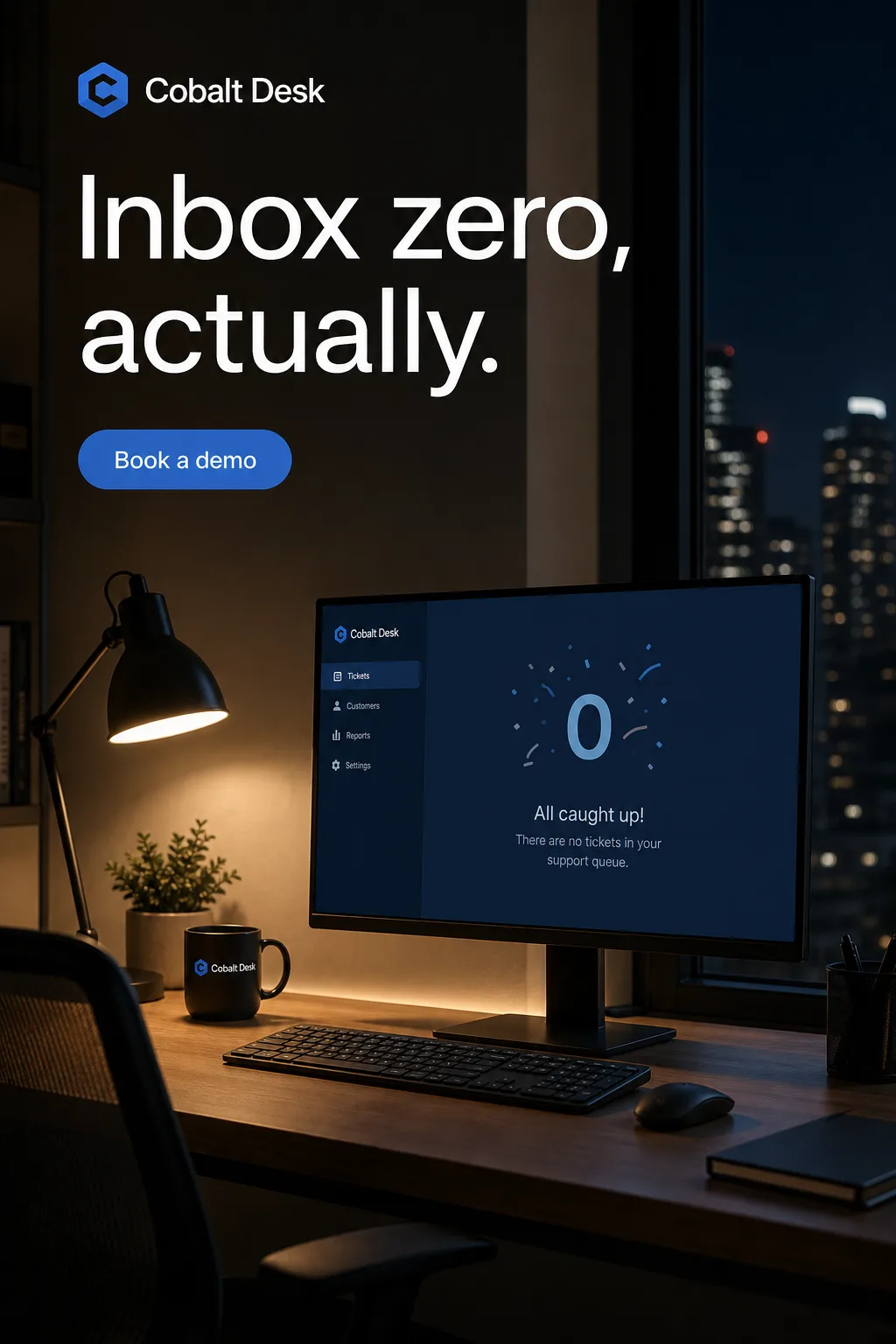 SaaS. Turn a feature list into a reason to click, from launch post to retargeting banner.
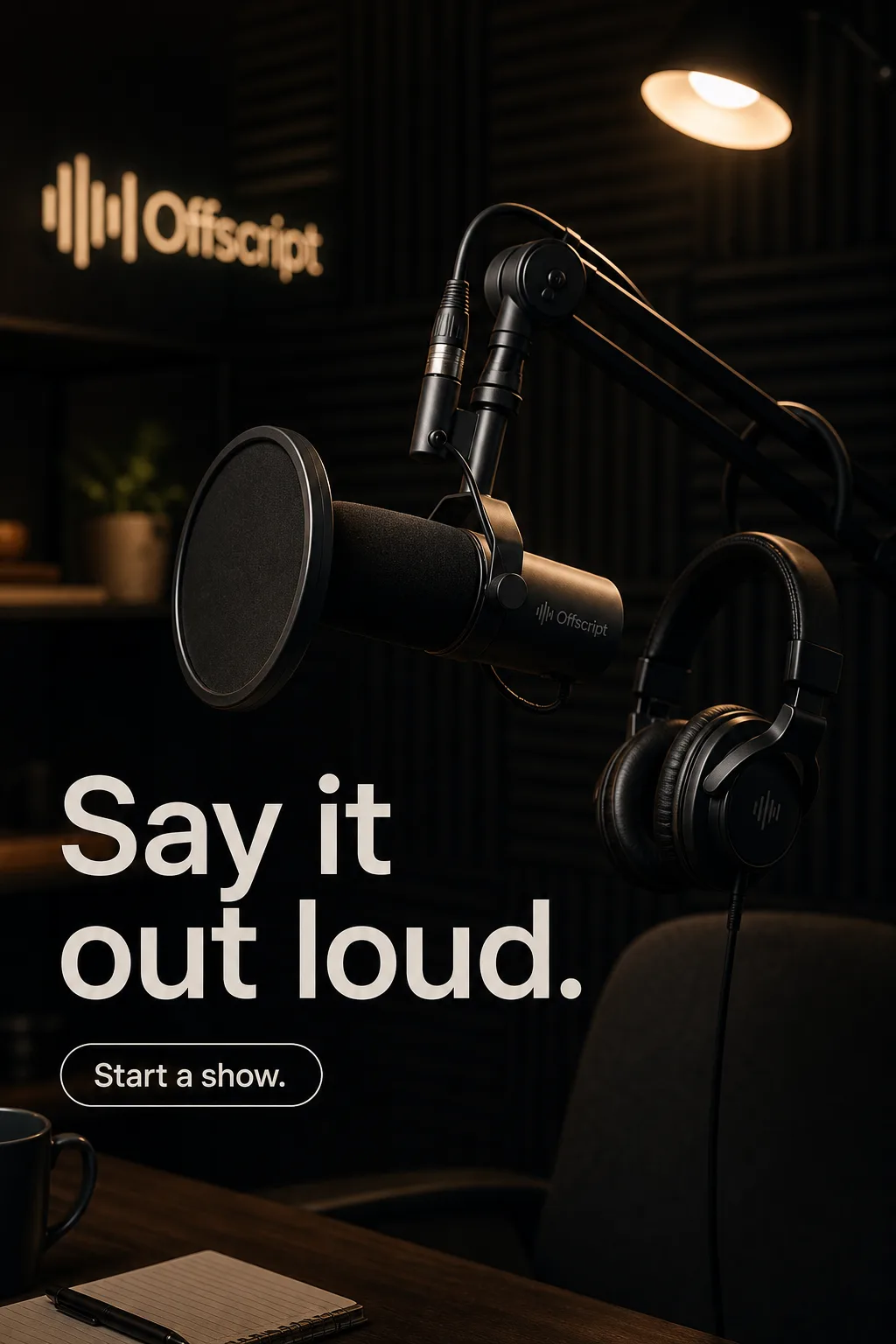 Creator Economy. Campaign creative that still feels like the person behind it.
 Gaming. Launch, update, and live-ops creative at the pace of the game.
Create your next EdTech campaign this week
Turn your brief into the formats you need. Your first ad is free, no card required.
