Creative operations for thousands of screens
Scaling DOOH creative takes more than resizing one file. It takes an inventory map, fixed brand rules, useful references, approvals, fallbacks, and a record of every version.
The first 100 screens are not the hard part. Screen 101 is where the spreadsheet starts fighting back.
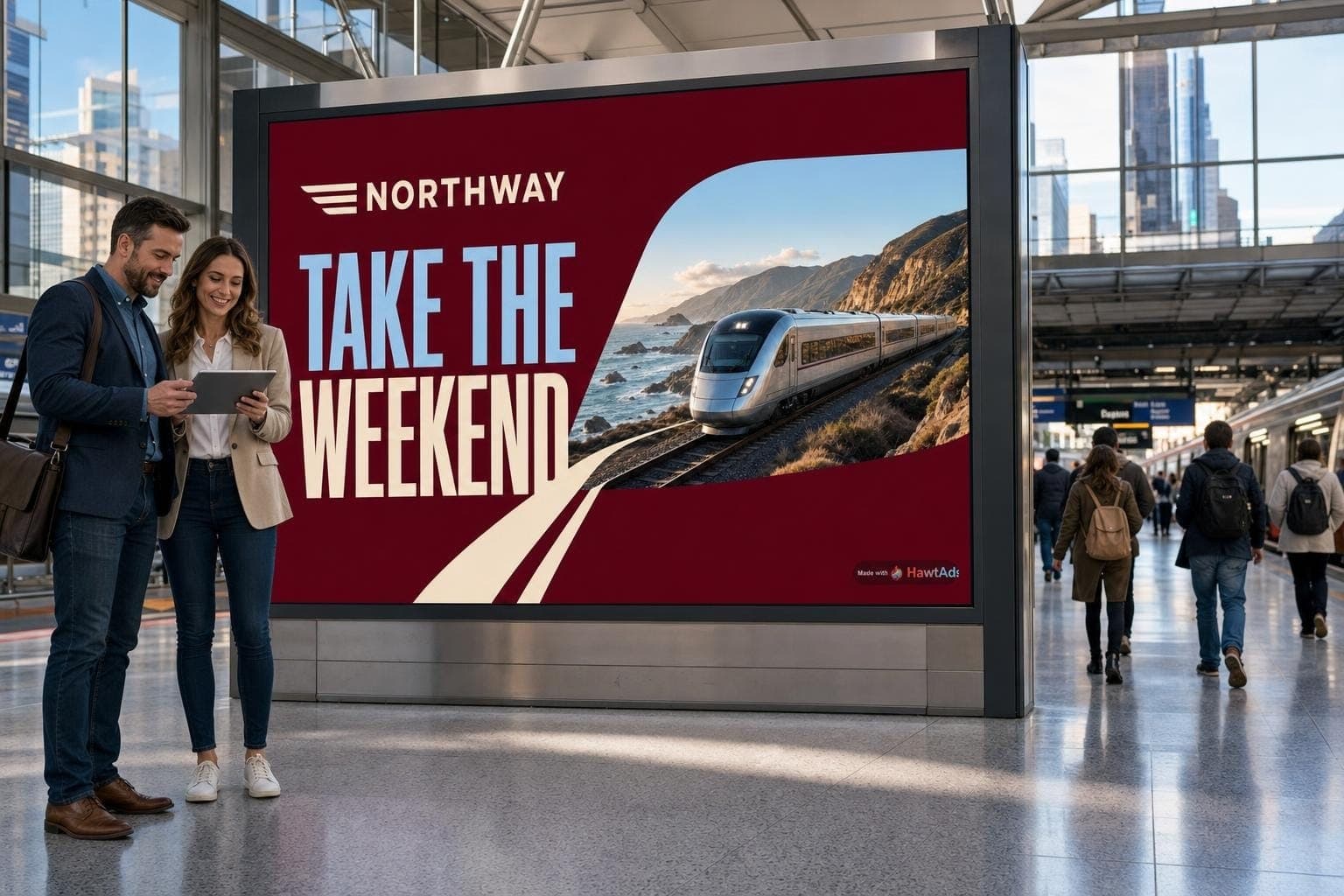
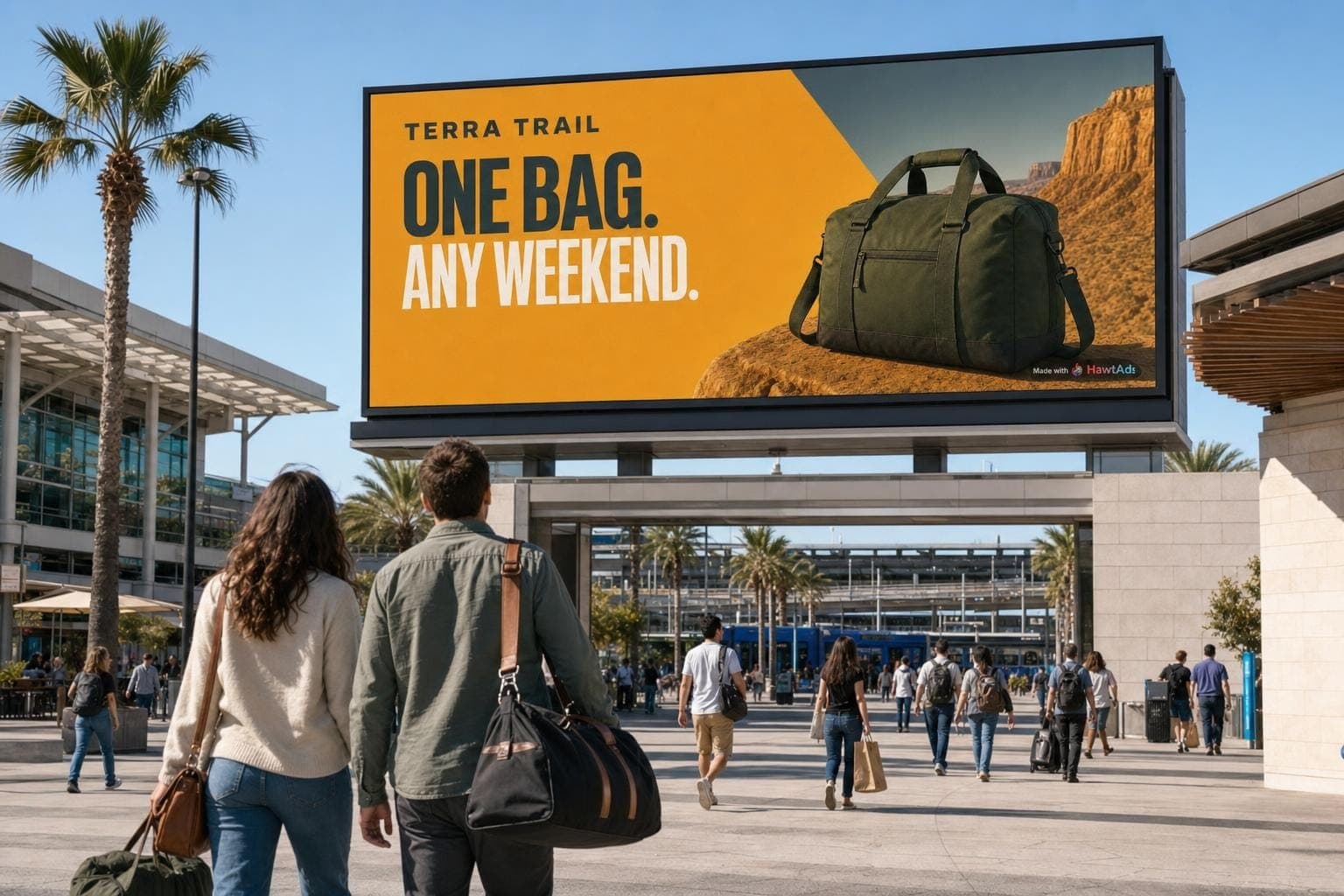
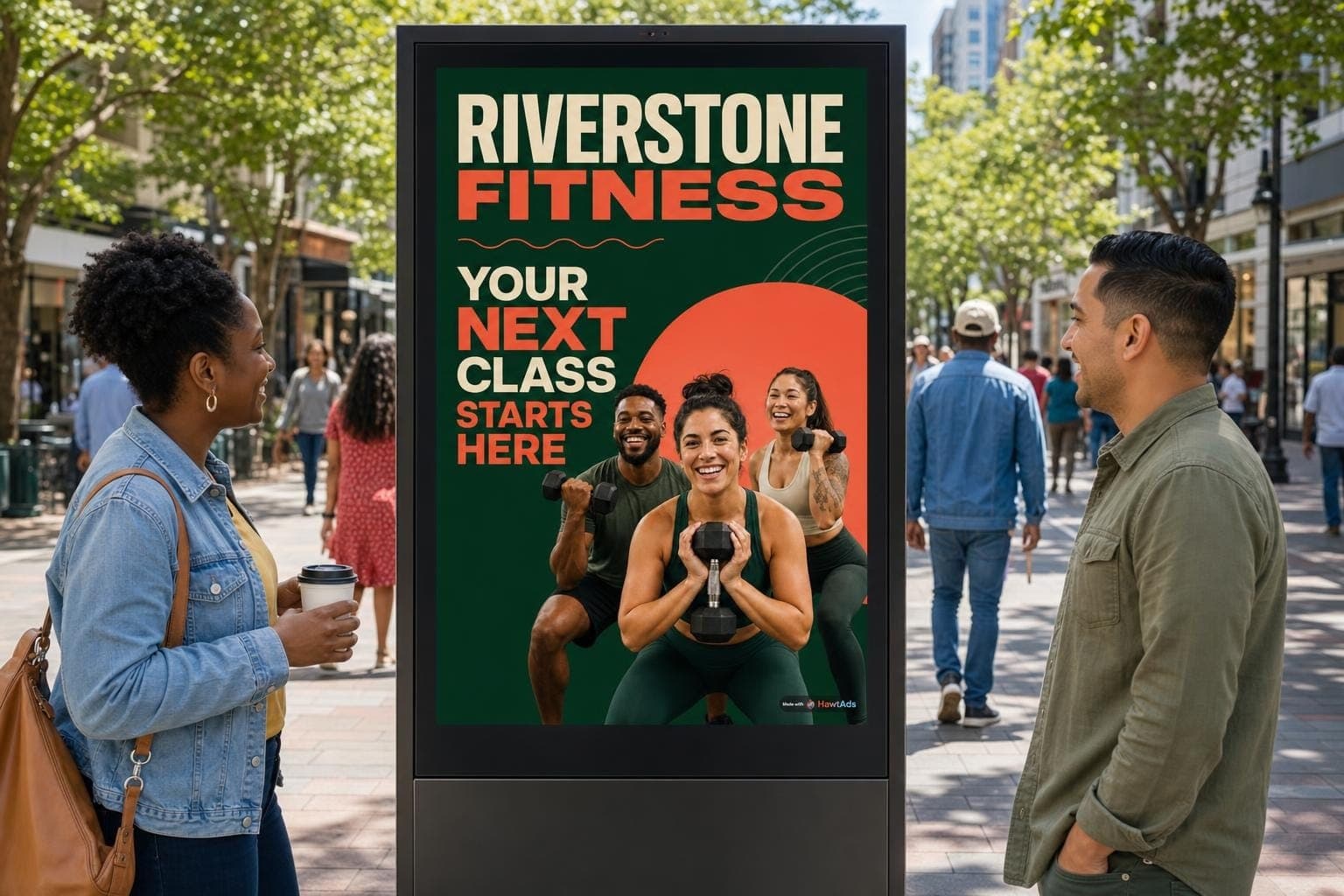
A campaign that looked simple in the brief turns into portrait kiosks, wide menu boards, roadside displays, elevator screens, rideshare tablets, and video walls with unusual crops. Some have sound. Many do not. Some give people ten seconds to read. Others get two seconds from a passing car.
Resizing one master file is only a starting point. A useful system knows what must stay fixed, what may change, where each version can run, who approved it, and what to show if the preferred creative is not ready.
Begin with the screen inventory, not the mood board
Before asking a designer or generator for 40 versions, turn the media plan into a creative requirements table.
For every screen group, record:
- Pixel dimensions and aspect ratio
- Static image, video, or both
- Accepted file types and maximum file size
- Video duration, frame rate, and audio rules
- Venue type and expected viewing distance
- Likely dwell time and dayparts
- Content restrictions and approval owner
- Delivery platform and final due date
Keep the media owner's specification as the source of truth. Vistar's current creative best practices recommend matching sizes passed in bid requests and using deal-specific specifications. Its system may resize or letterbox some assets, but a technically fitting file is not always a well-composed ad.
Google gives a similar warning from another direction. For DOOH video in Display & Video 360, it recommends one dimension per line item and deal ID because mismatched creative dimensions can cause screen-level edge cases. Its DOOH inventory guidance supports hosted static images and standard video, not HTML5 or other high-impact formats in that workflow.
Design a family, not a pile of files
A scalable campaign needs a small set of fixed ingredients and a clear list of permitted changes.
Fixed ingredients usually include the logo, approved colors, typefaces, product truth, legal language, offer rules, and the basic character of the photography.
Flexible ingredients might include the headline, product selection, image crop, layout, location line, weather cue, store distance, or call to action.
Screen rules decide how those ingredients behave. A roadside board might cap the headline at six words. A lobby screen can carry one supporting line. A restaurant menu needs protected space for price and availability. A portrait kiosk needs a different focal crop from a long horizontal spectacular.
This is where the HawtAds Ads Engine becomes useful. It can combine approved brand material with permitted context and screen constraints, then produce the creative for that placement. The job is not to make every ad different. The job is to make each difference purposeful and traceable.
One airport sequence, unpacked
The airport sequence on the HawtAds Ads Engine page looks like a continuous moment. Behind it is a compact example of reference-led production.
Beat one establishes the person, wardrobe, concourse, light, and kiosk before the story asks the viewer to follow anything else.
The production started with one master scene. It fixed Jon's appearance, olive field jacket, white shirt, dark backpack, morning concourse, and portrait kiosk. Two candidates were generated for that master and the second was selected.
Each of the three story beats then used that selected master as a reference. Two candidates were made per beat. The second candidate won every time. That means eight still outputs were produced in total: two for the master and six across the three beats.
That shared reference did more work than repeating a long text description. It gave every new frame a visual anchor. The prompt could focus on what changed, such as Jon walking, facing the kiosk camera, or reading the finished ad.
Beat two changes the camera angle while keeping Jon, the kiosk, and the thin white recognition box consistent.
For the third still, production added a second reference: the approved Solstice Roast screen ad. That kept the coffee, palette, logo treatment, headline, and call to action connected to the source creative instead of asking the model to reconstruct the ad from memory.
Beat three combines the character reference with the approved ad reference, then gives both a new composition.
The video clips used the approved beat stills as their first frames. Motion prompts stayed deliberately narrow. Jon walks naturally. The face box follows a small head movement. The screen ad stays fixed while he reads it. An earlier third-beat video was rejected because he turned away from the kiosk, which broke the story even though the clip was technically usable.
This is the practical lesson: consistency is a chain of approved anchors and small changes. It is not one giant prompt that hopes for the best.
Give every version an identity
When there are hundreds of outputs, names such as final-final-2.jpg stop being funny.
Every asset should have a stable creative ID and a record containing:
- Campaign and concept
- Brand-kit version
- Source and reference assets
- Headline, offer, and legal-copy version
- Dimensions, duration, and file checksum
- Intended screens, venues, and dayparts
- Generation or edit instructions
- Review status and approver
- Platform creative ID after upload
- Dates activated and retired
This record is not busywork. It answers the questions that appear two weeks into a campaign. Which ad ran in Phoenix? Was the price current? Which reference produced the red cup? Did the approved disclaimer make it into the portrait version?
It also connects production to measurement. The previous article, Measuring DOOH without web-ad shortcuts, explains why play logs and audience estimates need the exact creative ID if you want to learn which version worked.
Approval is part of production
Do not treat platform review as the last item before lunch on launch day.
Google recommends assigning creatives to active or preflight line items early so its team and exchange reviewers can assess them. It also warns that editing a creative after assignment can invalidate publisher review and delay delivery. (Google approval best practices)
Vistar notes that media owners approve creatives before they are eligible to deliver through its SSP. That means a single campaign can involve brand approval, legal approval, platform review, and media-owner review.
Plan backward from the live date. Reserve time for rejected dimensions, unsupported files, claims that need support, and venue-specific objections. If a version changes materially, assume it may need another review.
Run four kinds of QA
An asset can pass a file validator and still fail as an ad. Check it four ways.
Technical QA covers dimensions, aspect ratio, codec, duration, file size, frame rate, audio, and full-frame rendering. Test the exported file, not only the design canvas.
Visual QA happens at the expected viewing distance. Check headline size, contrast, crop, logo clearance, price readability, and how quickly the main idea lands. The first and last video frames also need a look for accidental blank moments.
Context QA asks whether the message makes sense for the venue, time, weather, stock state, and audience setting. A useful lunch offer at 12:15 p.m. becomes a broken promise at 8:00 p.m. if the kitchen is closed.
Policy QA covers brand claims, category restrictions, local rules, required disclosures, data use, and suitability for a broad public audience. Google's creative review checks both the asset and its destination against policy and inventory requirements. (Google creative rejection guide)
For generated creative, add automated checks before human review. They can flag missing logos, bad prices, text overflow, unsupported products, unsafe content, and dimensions that do not match the slot. Humans should still review the cases where context and judgment matter.
Always ship a fallback
A dynamic or generated campaign needs a safe asset that can run when data is stale, an API is unavailable, a version is rejected, or a screen cannot support the preferred format.
The fallback should be approved early, cached where the delivery setup permits it, and useful without real-time context. It should not say “Good morning” at night or advertise a product with unknown stock.
Fallback rules also need an owner. Decide how old weather or inventory data may become before the system stops using it. Decide what happens when generation misses its deadline. Decide whether the campaign pauses at one screen or switches the whole group to the baseline asset.
Reliable creative operations are often visible in what the audience never sees.
Scale the decisions, not just the output count
Thousands of screens do not require thousands of unrelated ideas. They require a controlled way to express one campaign across real differences in format, place, and moment.
The operating model is straightforward. Screen inventory defines the formats. Brand rules and approved references define what may change. Version IDs connect each file to its inputs and approval. Early submission leaves time for a rejection, while a safe fallback keeps the campaign running. The delivery record closes the loop by showing exactly what appeared.
The HawtAds Ads Engine brings those decisions into one creative workflow so marketers can move from permitted signals to screen-ready ads without giving up control of the brand. Explore it with a real placement plan, then try HawtAds free to turn the approved campaign idea into social, display, and app-store creative.
Next in the series, we put this operating model into a breakfast, lunch, weather, and inventory example at one fictional restaurant.
Frequently asked questions
How many DOOH sizes should a campaign start with?
Start with the actual inventory plan, then group screens by meaningful differences in aspect ratio, viewing distance, dwell time, motion, and venue. Ten screen IDs may share one creative family, while two screens with the same dimensions may need different messages because people encounter them differently.
What should stay fixed across generated DOOH versions?
Lock the elements that carry brand or factual risk, such as logos, product references, approved claims, prices, disclosures, palette rules, and safe areas. Let the variable layer change only where variation improves the campaign.
Why does every DOOH campaign need a fallback?
Live data, approvals, rendering, downloads, and players can fail independently. A current, approved default gives the screen something useful to show without relying on the same step that failed.
Sources
- Google Display & Video 360 Help, Purchase digital out-of-home inventory
- Google Display & Video 360 Help, Best practices for getting creatives approved
- Google Display & Video 360 Help, Troubleshoot rejected creatives
- Vistar Media, Creatives best practices
- Vistar Media, Creative transcoding, resizing, and letterboxing
- HawtAds Ads Engine